Booster K1

A first humanoid your students can program.

K1 turns robotics from a demonstration into hands-on work. Start with built-in skills, then write real code in Python or C++, from classroom projects to lab research.

Your students grow. K1 keeps up.

Three roles on one robot. Students move from using K1, to shaping it, to programming it, each at their own pace.

  1. 01Ready on day one

    Player

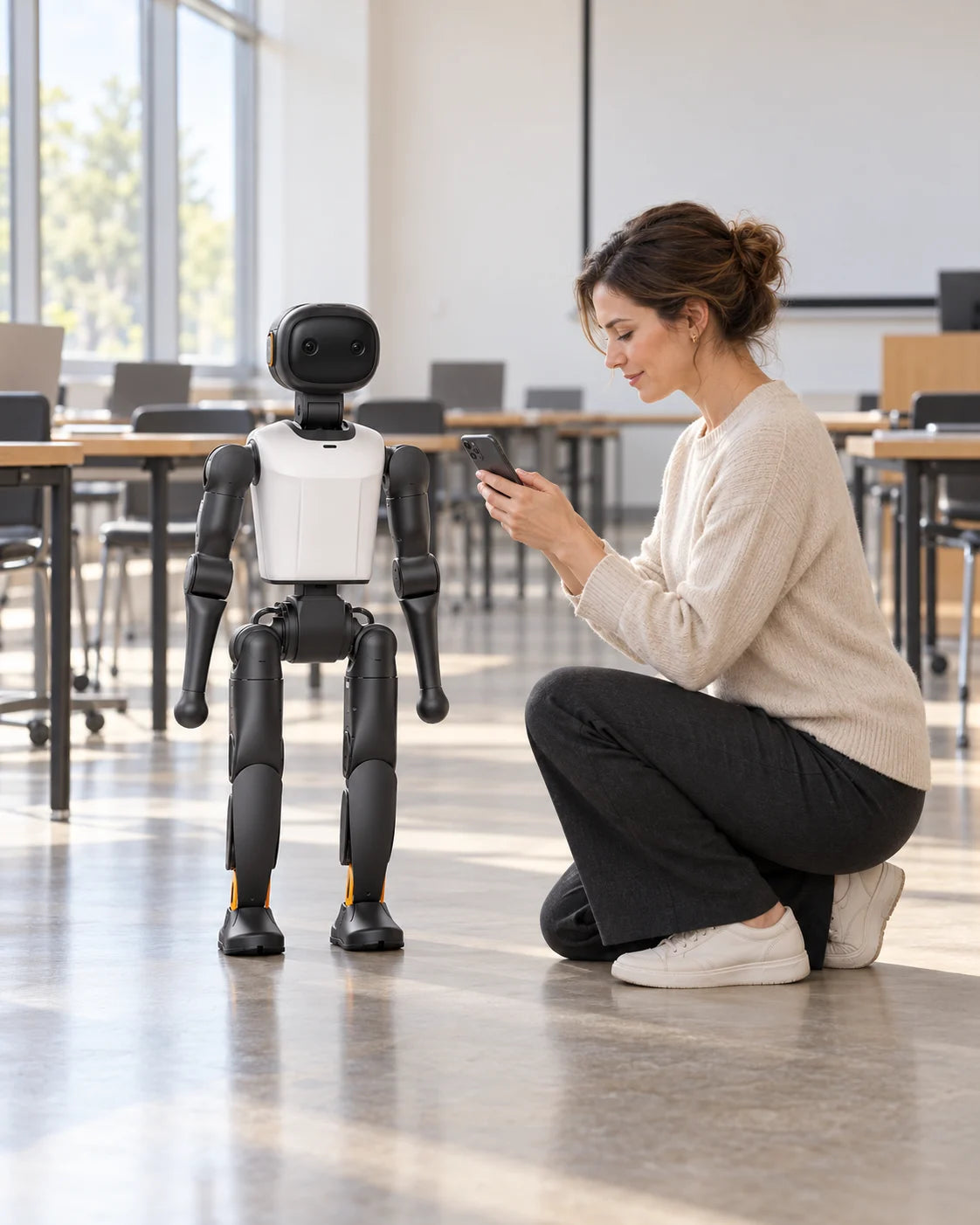
    Students pick a skill pack from the phone app or controller and get K1 kicking, dancing and chatting in the first lesson.

    • Gestures and moves
    • Football
    • Dance
    • Lion dance
    • Voice chat
    • Voice commands
  2. 02No code needed

    Creator

    Students guide K1 by hand to record new moves, and design chat characters with their own name, voice and personality.

    • Motion teaching
    • Custom characters
    • Skill library
  3. 03Python and C++

    Developer

    Students write their own programs, test them on a virtual K1, then run them on the real robot.

    • Python and C++ SDK
    • Simulation
    • ROS 2 sensor data
    • Data replay

Voice chat needs an internet connection. Available skills depend on edition and firmware.

Three ways K1 earns its place.

One robot can anchor a course, a competition team and your open days. Start with one, and add the others as you grow.

Classroom
01

Classroom

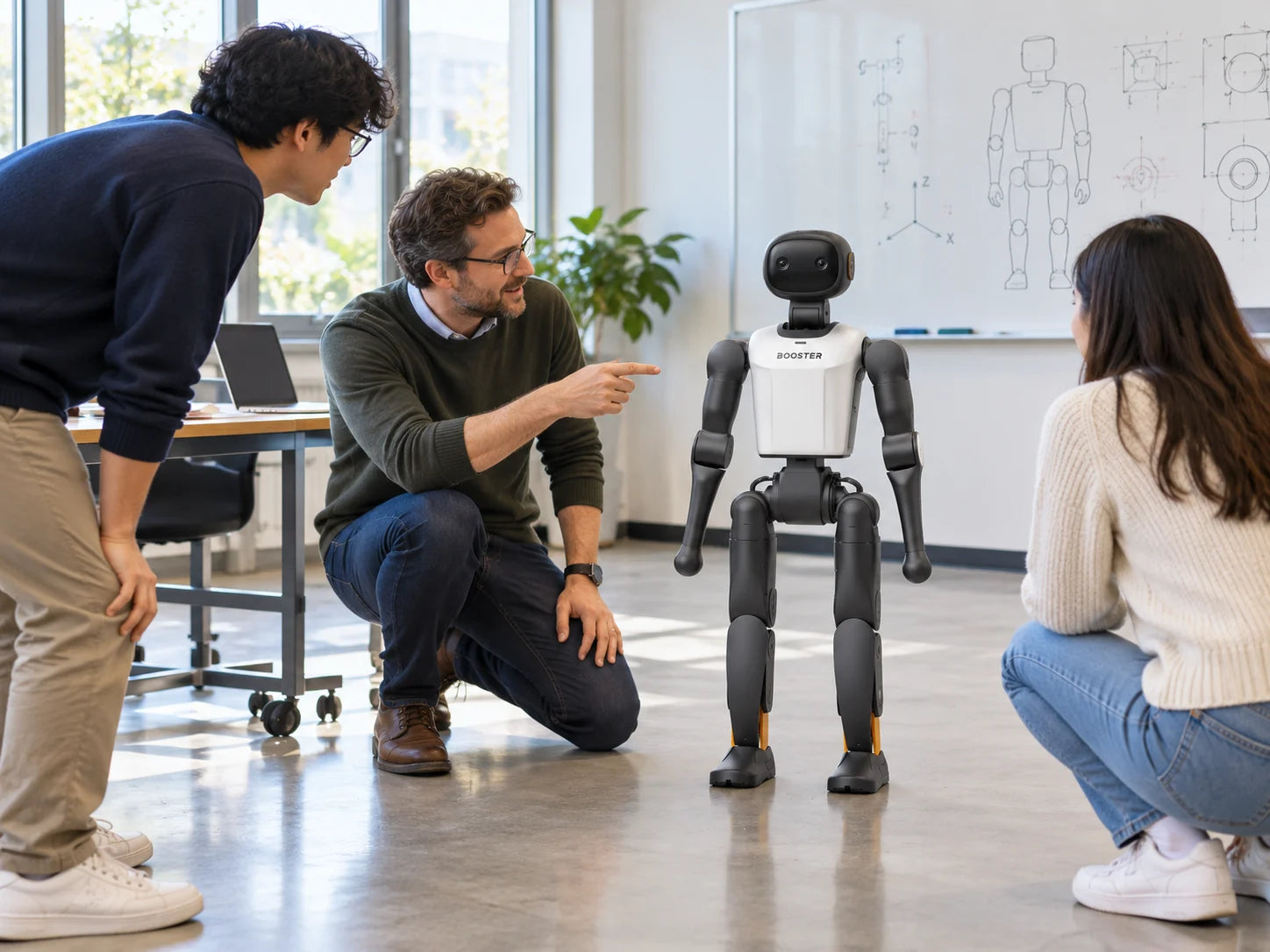
Bring robotics and AI into lessons as something students build: how a robot senses, walks and responds, then small projects of their own.

What it takes

A lesson plan, teacher preparation and a clear floor area.

Explore Education
Robot football
02

Robot football

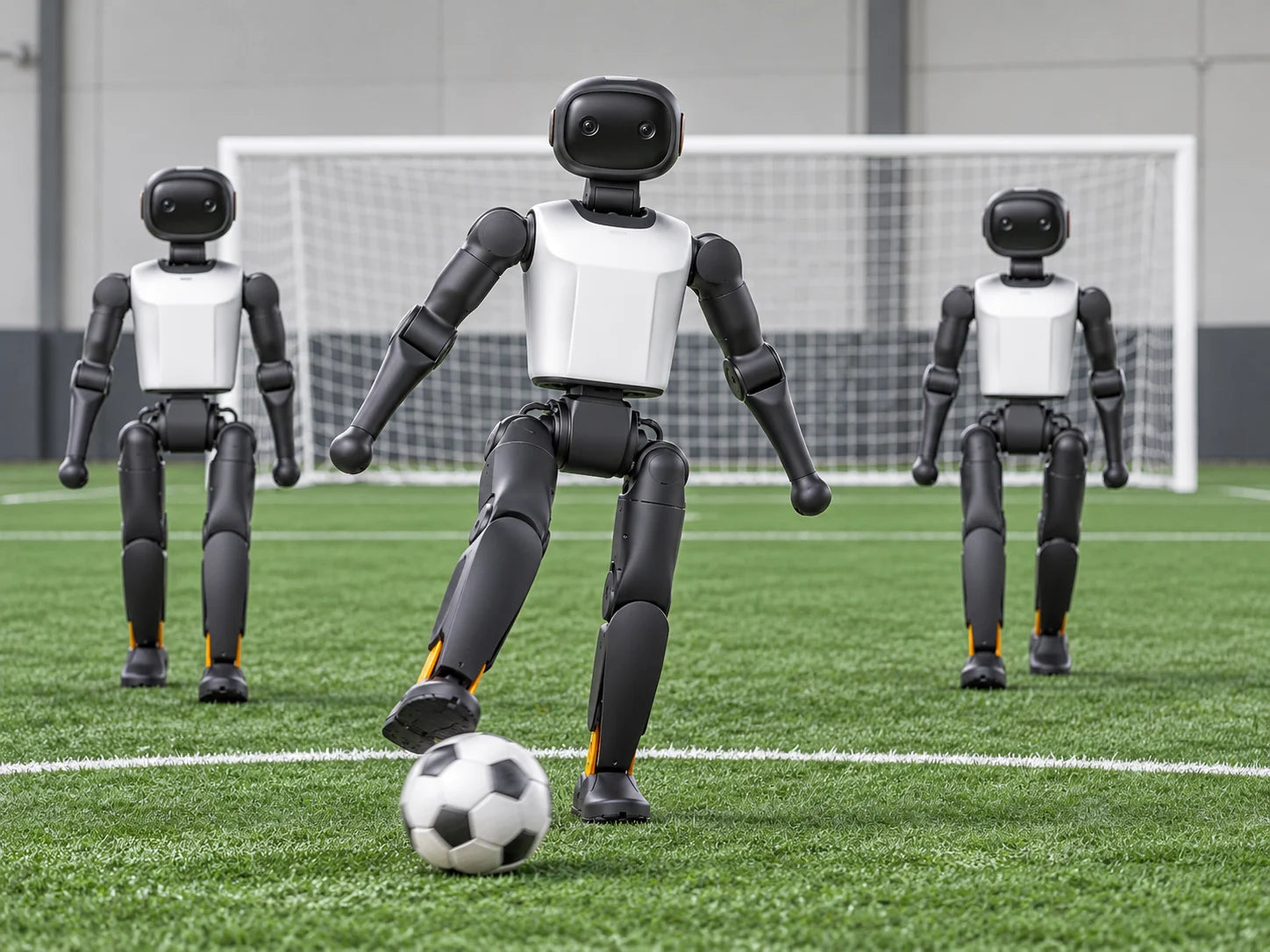
Built-in football skills give a student team a working start. They build their own strategies, then test them in school matches and robotics competitions.

What it takes

Full team matches also need perception, positioning and strategy software.

Explore Events
Dance and performance
03

Dance and performance

Ready-made dance and lion dance routines turn open days and school events into a show families remember. One phone can run up to 10 matching K1s together.

What it takes

A smooth floor such as rubber or tile, a trained operator and audience distance.

Explore Events

Images show manufacturer demonstrations and illustrations, not FARSEN projects.

Small enough to carry.

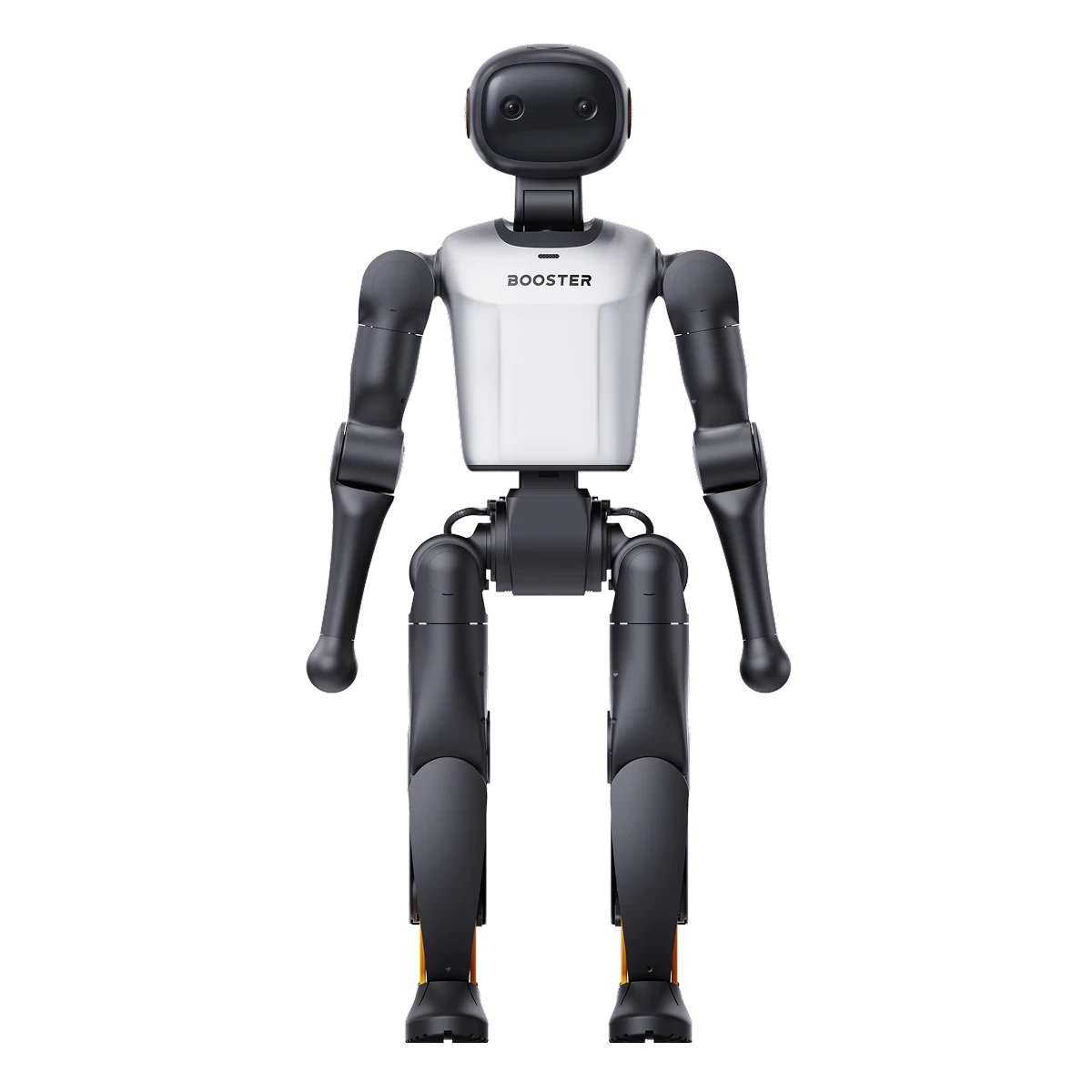
A carry handle and about 19.5 kg, yet 22 degrees of freedom and a depth camera inside. Every edition shares this hardware.

K1 humanoid robot, front view
Height0.95 m
Weightapprox. 19.5 kg
Degrees of freedom22
VisionDepth camera
Walking speed1.1 m/s
AudioMic array · speaker
ConnectivityWi-Fi 6 · Bluetooth 5.2 · Gigabit Ethernet
Walking noise≤ 70 dB
Charging time≤ 2 h
Operating temperature-10 to 45 °C

Manufacturer specifications (manual). Real performance depends on edition, firmware and conditions.

One body. Three editions.

All three share the same body and movement. Choose by two questions: how long will K1 run in each session, and how much AI will your students run on board?

Geek

Primary schools, clubs and short taster sessions.

In practice
Built-in skills for short sessions. Recharge between classes.
Computer
High-performance ARM processor
AI compute
48 TOPS (Dense)
Memory · storage
8GB · 128GB
Battery
2 Ah
Runtime
20 min
Suggested for classrooms

Education

Secondary schools and vocational colleges, lesson after lesson.

In practice
Battery for a full lesson, with room for student projects and AI apps.
Computer
Jetson Orin NX 8GB
AI compute
117 TOPS
Memory · storage
8GB · 512GB
Battery
5 Ah
Runtime
1 h 10 min

Professional

Universities and research labs running heavier AI work.

In practice
The most onboard computing and memory, for larger AI models on the robot.
Computer
Jetson AGX Orin 32GB
AI compute
200 TOPS
Memory · storage
32GB · 512GB
Battery
5 Ah
Runtime
1 h 10 min

Runtime measured walking at 1.1 m/s. AI compute figures use different measurement conditions, so compare them with care. Fit suggestions and "In practice" are FARSEN guidance.

No surprises when K1 arrives.

An edition name isn't a full specification. We go through these points with you before you order, so the K1 that arrives is the one you planned for.

  • Edition and box contents, including battery, charger, controller and whether direct charging is included.
  • Firmware and regional version, and which skills and app features they include.
  • Internet access and language support for voice chat on your school network.
  • A flat, clear area of at least 2 m × 2 m, with supervision.
  • For group shows: same edition and firmware on every robot, on one network.
  • Manuals, training and after-sales support we arrange for your team.
  • Warranty terms for your edition, confirmed with your order.

You'll always know the next step.

Four steps, one partner, from your first question to K1 in the classroom.

  1. 01

    Select

    We shortlist robots and editions that match your learners and goals. You get a clear recommendation.

  2. 02

    Evaluate

    We assess technical fit, supplier capability and day-to-day use. You see what your K1 will actually do.

  3. 03

    Control

    We flag quality, compliance and delivery risks early, and manage them. You hear about issues before they're problems.

  4. 04

    Deliver

    We handle delivery, arrange training and take care of after-sales support. You keep one contact after delivery.

MANUFACTURER PRODUCT IMAGE

Manufacturer product material; not a FARSEN customer project or inspection record.