Booster T1

A humanoid for motion and perception projects.

T1 is a 1.18 m developer platform for student teams and labs. Build on its walking, balance and depth vision in Python, then test on the real robot.

Ready-made skills. Open to your code.

T1 gives a team something to work with on day one, then opens up for no-code customisation and full programming, so projects can start straight away and go deeper every term.

  1. 01Ready on day one

    Player

    Run built-in skill packs from the phone app or controller: walking, gestures, football, chat and dance.

    • Gestures and moves
    • Football
    • Voice chat
    • Voice commands
    • Dance
  2. 02No code needed

    Creator

    Teach arm and head moves by hand, edit them into routines, and create chat characters with their own voice and personality.

    • Motion teaching
    • Motion editing
    • Custom characters
    • Skill library
  3. 03Python SDK

    Developer

    Write controllers and perception programs in Python, test them in simulation, then deploy to T1 with live sensor and joint data.

    • Python SDK
    • Simulation
    • Custom joint control
    • Sensor and joint data
    • Data replay

Voice chat needs an internet connection. Skills shown are for the standard arm; the 7-DoF arm version supports fewer.

Where T1 earns its place.

One platform can support a research project, a competition team and an engineering course, sharing the same robot and code.

Research lab
01

Research lab

Study walking, balance and perception on a real humanoid. The Standard edition gives motion control and perception a computer each.

What it takes

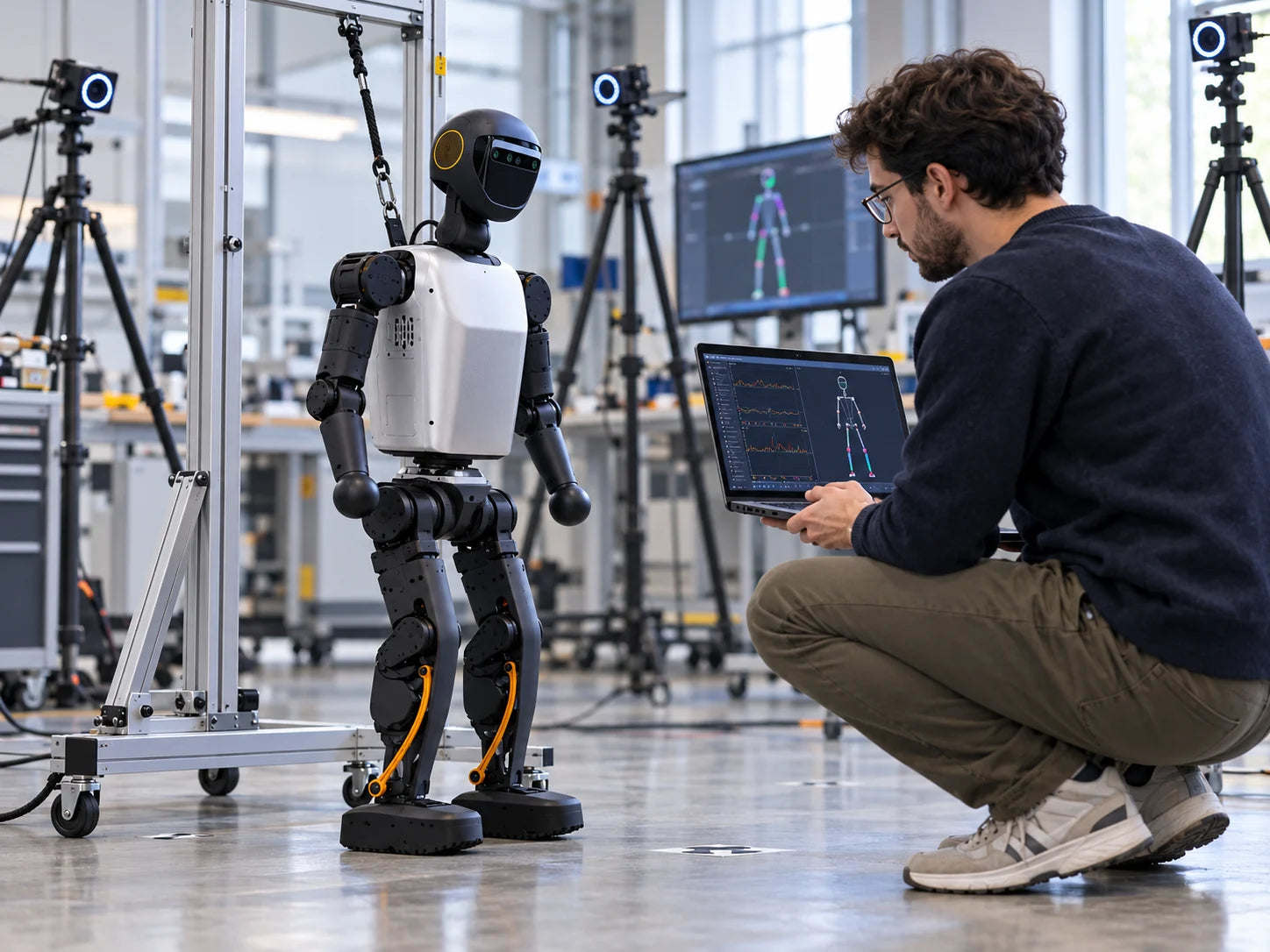
Developers comfortable with Python, simulation time and a support stand.

Explore Research
Robot football
02

Robot football

Built-in skills track, chase and shoot the ball, giving a student team a working base for their own strategies and competition entries.

What it takes

Full matches need perception, positioning and strategy software, and the standard arm.

Explore Events
Engineering course
03

Engineering course

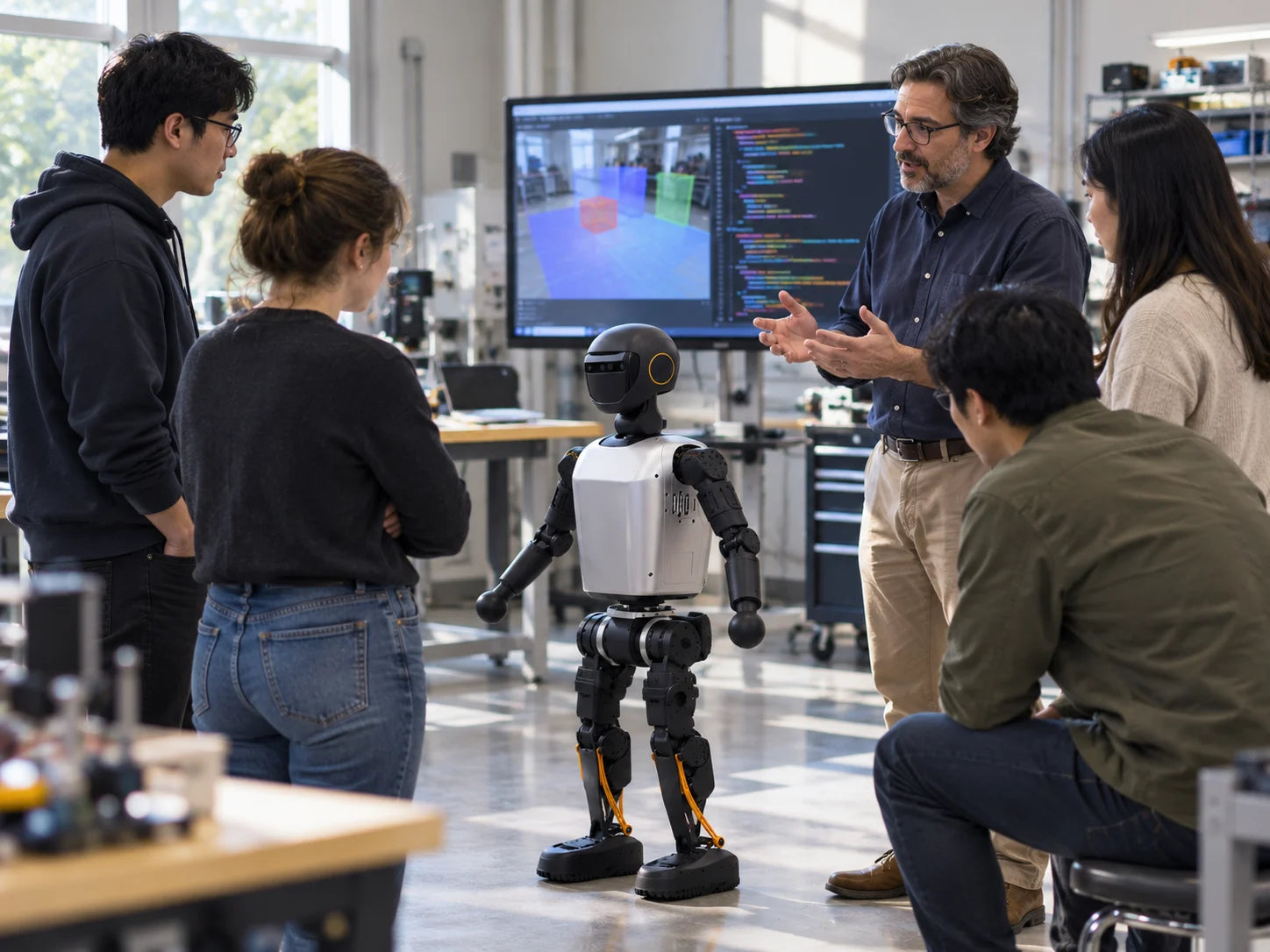
Teach motion control, sensing and robot software on a platform students can program at joint level, with simulation before every real-world test.

What it takes

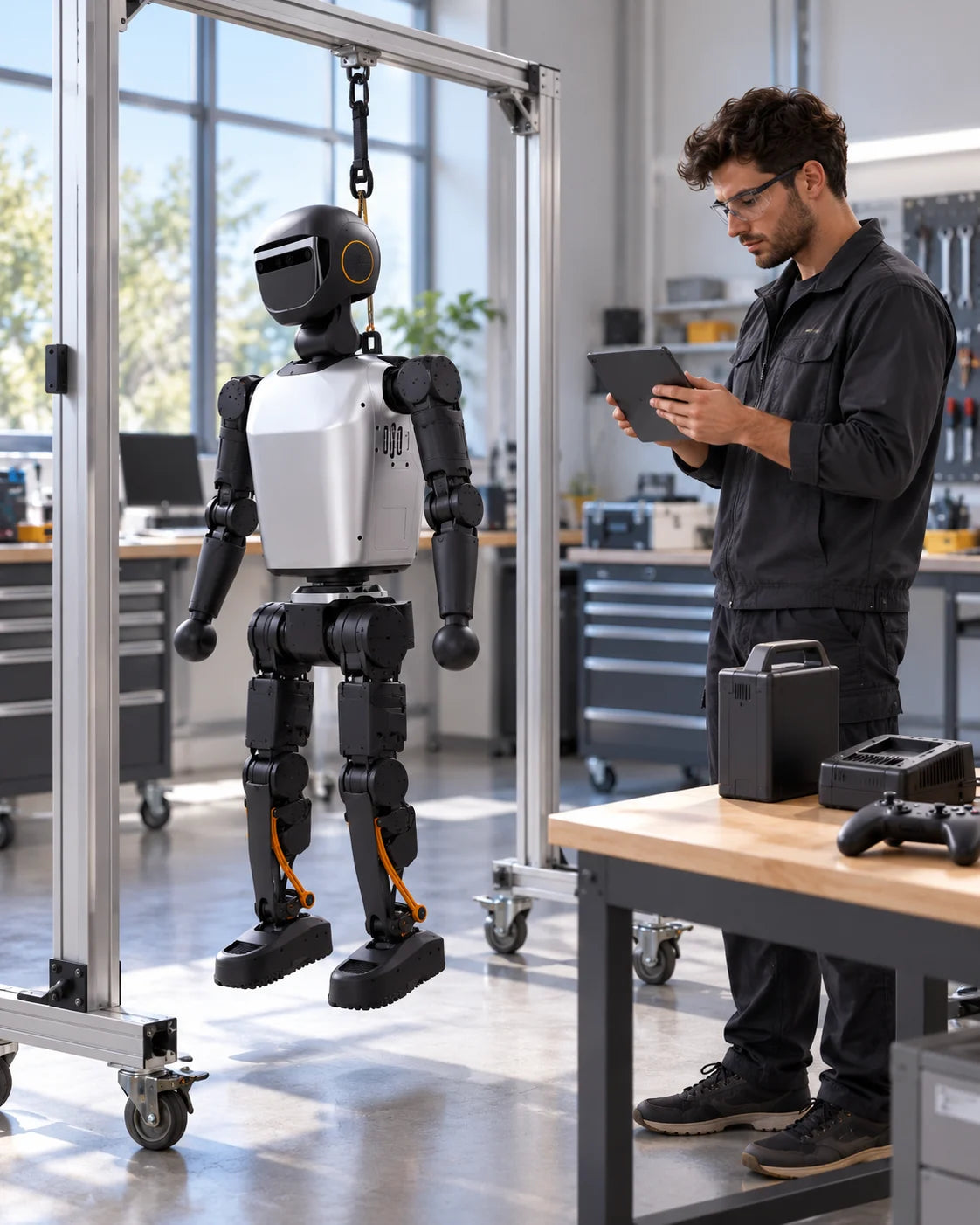
A trained instructor, a support stand and a clear test area.

Explore Education

Images show manufacturer demonstrations and illustrations, not FARSEN projects.

More body to control.

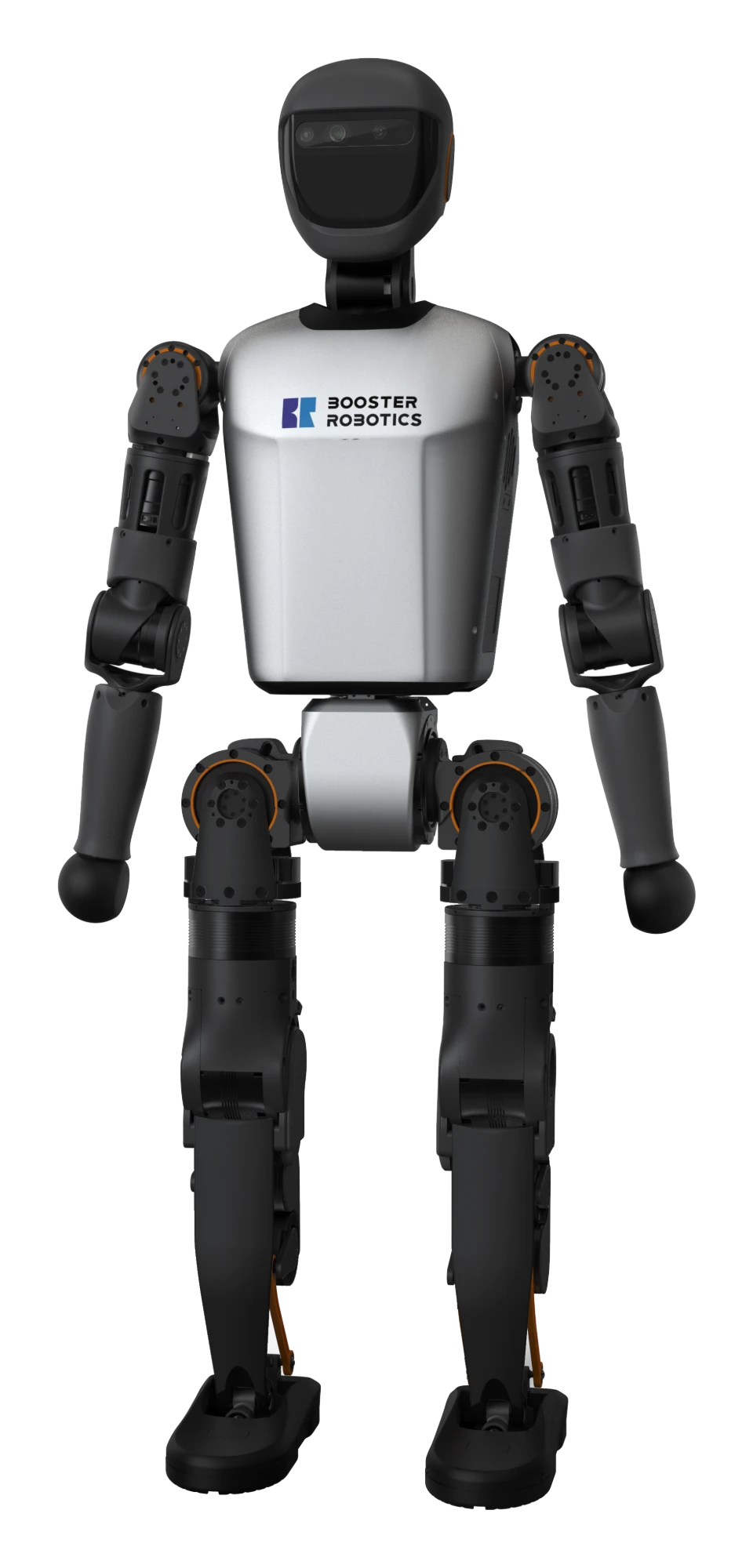
At 1.18 m, T1 has 23 degrees of freedom, including a waist joint, and a rated runtime of 2 hours. Both editions share this body.

T1 humanoid robot
Height1.18 m
Weightapprox. 30 kg
Degrees of freedom23
VisionDepth camera
Walking speed1 m/s
Runtime2 h
Charging time≤ 2 h
ConnectivityWi-Fi 6 · Bluetooth 5.2 · Gigabit Ethernet
Walking noise≤ 70 dB
Emergency stopHardware button

Manufacturer specifications (manual), standard 4-DoF arm configuration. The manual does not state runtime test conditions.

One body. Two editions.

Both share the same body and the same Jetson AGX Orin computer. Standard adds a dedicated motion-control computer, so choose by whether your work needs control and perception to run separately.

Basic

Upper secondary teams, vocational courses and first lab projects.

In practice
One Jetson computer runs motion and perception together, with fewer parts to set up.
Computers
Jetson AGX Orin 32GB (motion and perception)
AI compute
200 TOPS
Memory · storage
32GB · 512GB
Wired network
Gigabit × 2

Standard

University labs running control and perception research side by side.

In practice
Motion control gets its own computer, leaving the Jetson free for perception and AI work.
Computers
Express-i7 (motion control) + Jetson AGX Orin 32GB (perception)
AI compute
200 TOPS (perception board)
Memory · storage
Motion: 8GB · 512GB / Perception: 32GB · 512GB
Wired network
Gigabit × 2 per board

Both editions share the same battery and runtime. Fit suggestions and "In practice" are FARSEN guidance. Arm configuration is chosen separately and changes which skills are available.

No surprises when T1 arrives.

An edition name isn't a full specification. We go through these points with you before you order, so the T1 that arrives is the one you planned for.

  • Edition and arm configuration: standard 4-DoF arms, or 7-DoF arms with fewer skills.
  • Box contents, including battery, charger, controller and whether a support stand is included.
  • Firmware and regional version, and which skills and app features they include.
  • Internet access and language support for voice chat on your network.
  • A flat, clear area and a trained operator for every session.
  • For custom code: simulation first, then a hoist or stand during real tests.
  • Training and support we arrange, and warranty terms confirmed with your order.

You'll always know the next step.

Four steps, one partner, from your first question to T1 in your lab.

  1. 01

    Select

    We shortlist robots and editions that match your learners and goals. You get a clear recommendation.

  2. 02

    Evaluate

    We assess technical fit, supplier capability and day-to-day use. You see what your T1 will actually do.

  3. 03

    Control

    We flag quality, compliance and delivery risks early, and manage them. You hear about issues before they're problems.

  4. 04

    Deliver

    We handle delivery, arrange training and take care of after-sales support. You keep one contact after delivery.

MANUFACTURER PRODUCT IMAGE

Manufacturer product material; not a FARSEN customer project or inspection record.