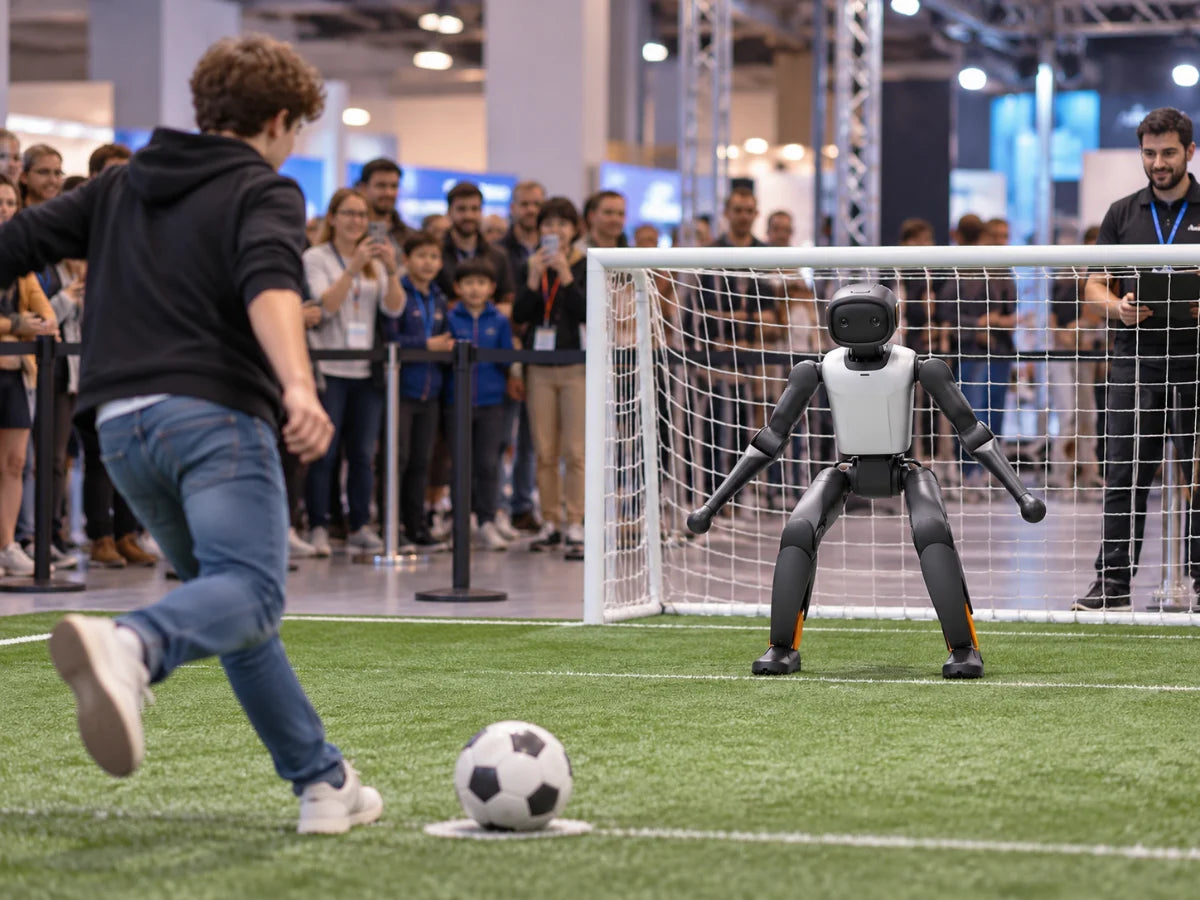
Penalty challenge
Visitors take a shot on goal
Shown in the manufacturer’s event solution. Needs a marked pitch and goal.
ModelsK1T2

 Image: Booster Robotics
Events
From one robot greeting guests to a multi-robot show. We match the robots and programme to your venue, then handle sourcing and delivery.
Start with skills already in the robot. Each runs with a trained operator nearby and a clear space around the robot.
Visitors take a shot on goal
Shown in the manufacturer’s event solution. Needs a marked pitch and goal.
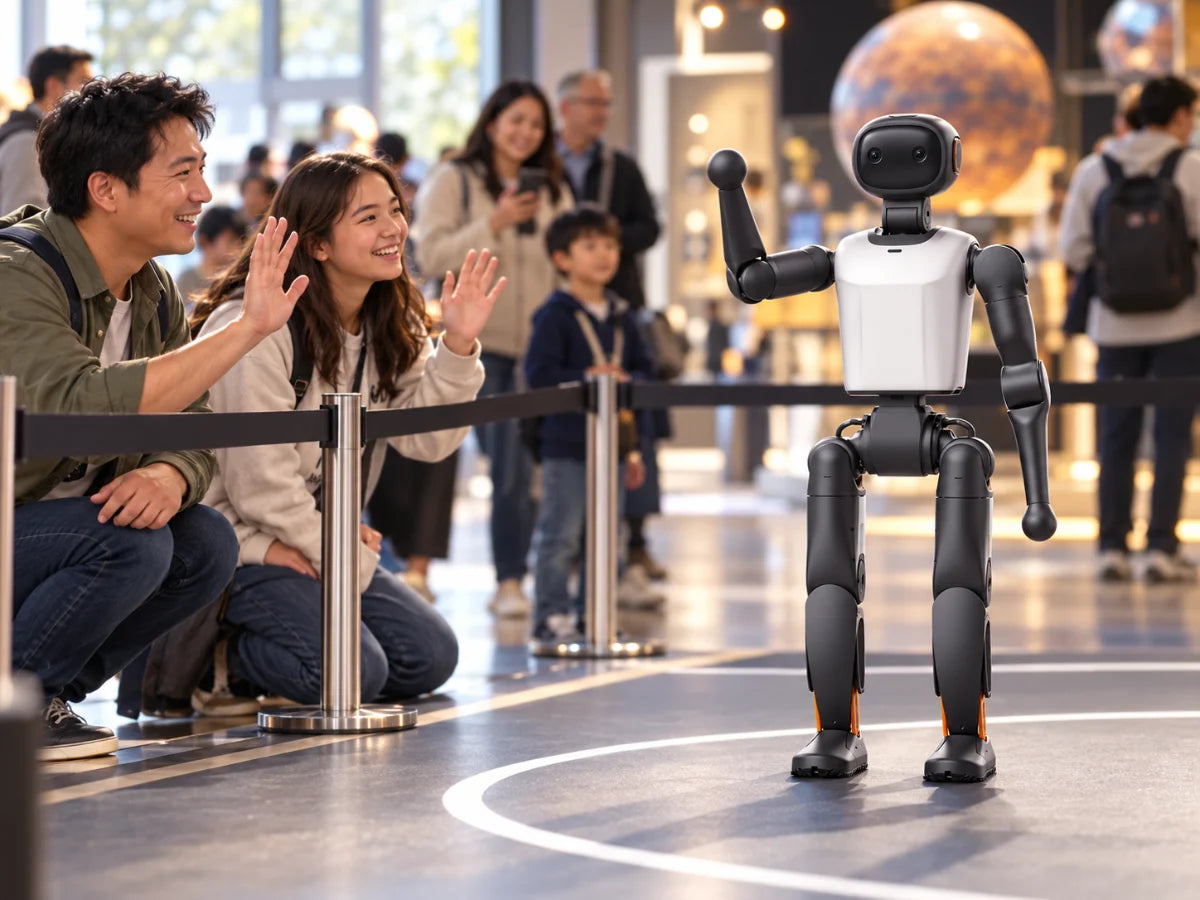
Wave, shake hands, then talk
Gestures vary by model; T2 has no handshake. Chat needs internet access.
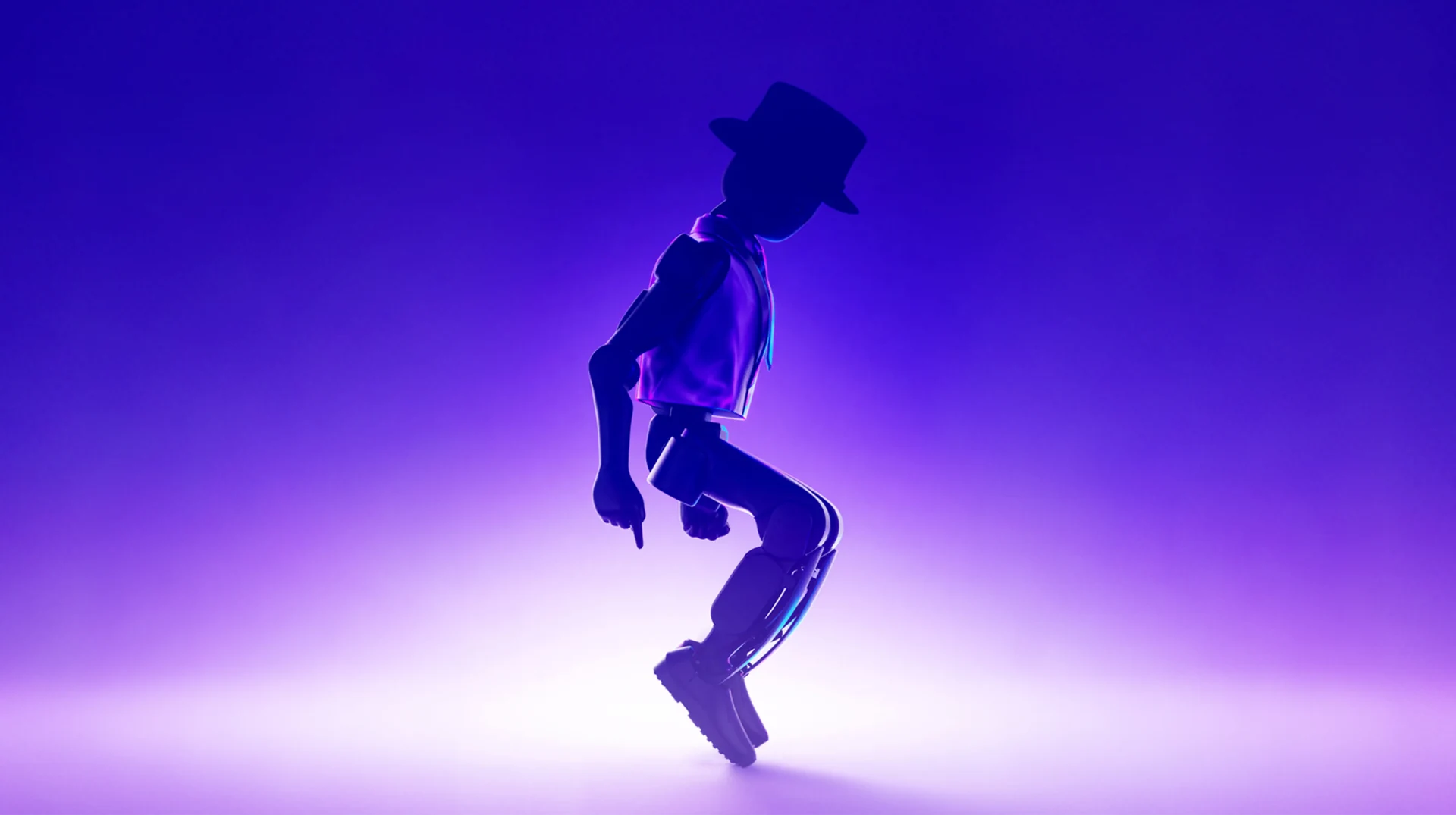
Nine dances plus lion dance (K1)
T1 has three dances and T2 one. Full-body dance needs a smooth floor.
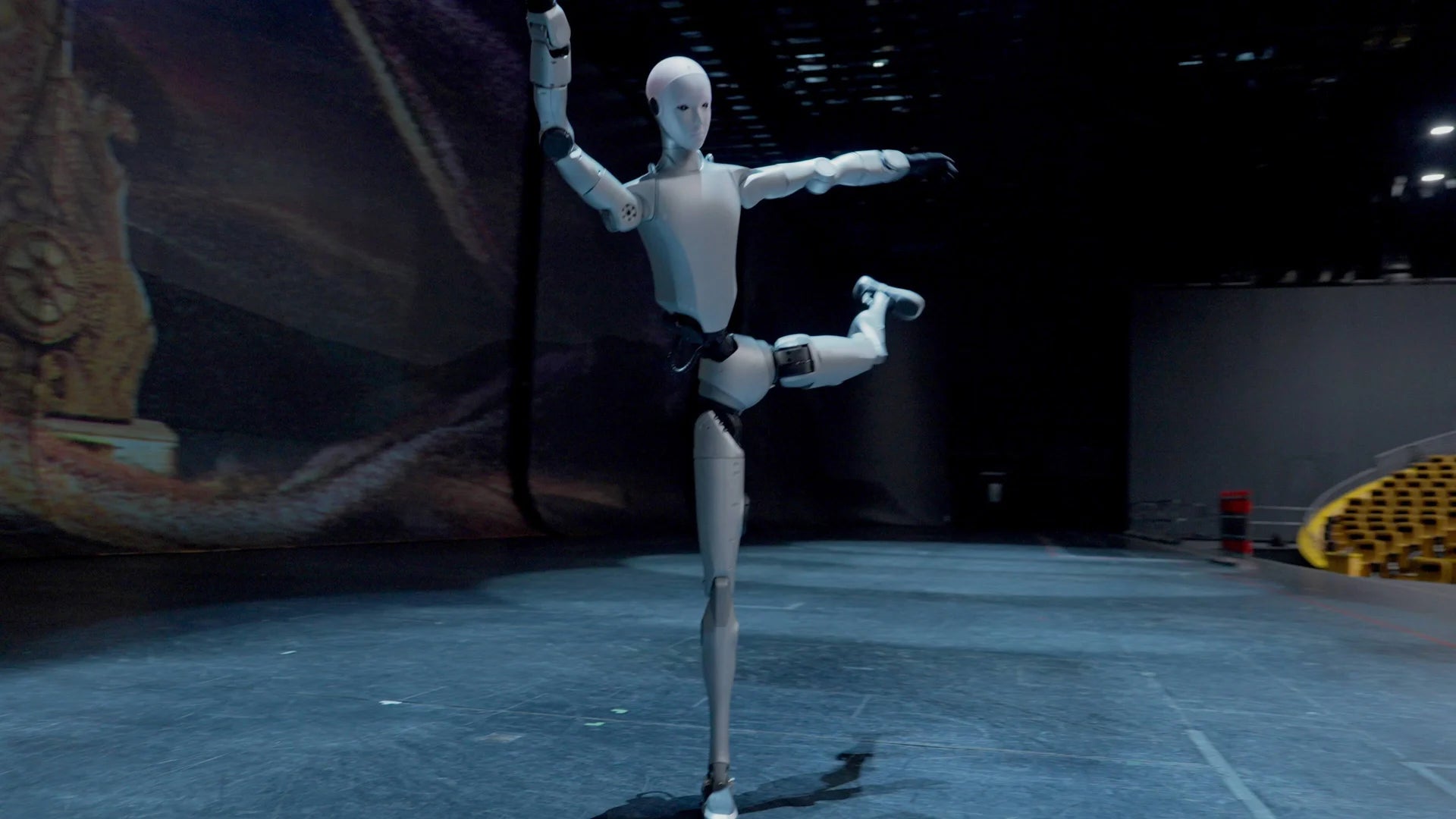
Movement routines on a full-size humanoid
Unitree H2 runs action packs matched to its model, joints and firmware.
Some images are illustrations, not photographs; others are manufacturer demonstrations. We confirm which skills your model, edition and firmware include before you order.
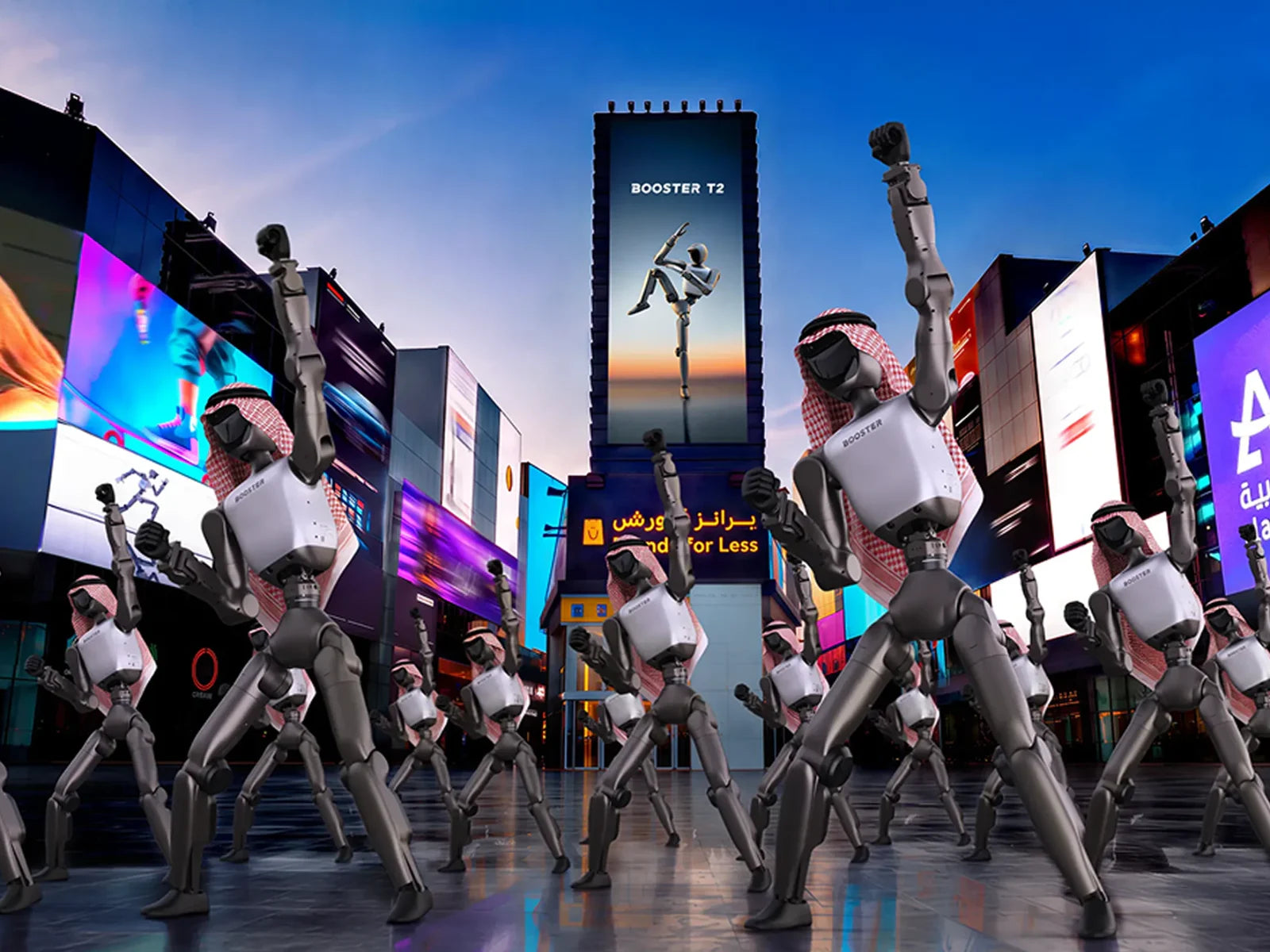
Group shows run on dedicated tools, each with its own conditions. They aren’t interchangeable, so we plan from the show backwards.
Up to 10 robots of the same model, edition and firmware dance together on one local network.
Robots play an autonomous football match, as shown in the manufacturer’s event solution. Rehearse on the actual floor.
Booster Stage designs formations and patterns visually. It is a separate product with its own scope.
Unitree UniUni plans routes, timing and music on a 2D or 3D venue map, with collision checks.
Public shows are records of specific programmes and teams. Buying the robots doesn’t reproduce a show.

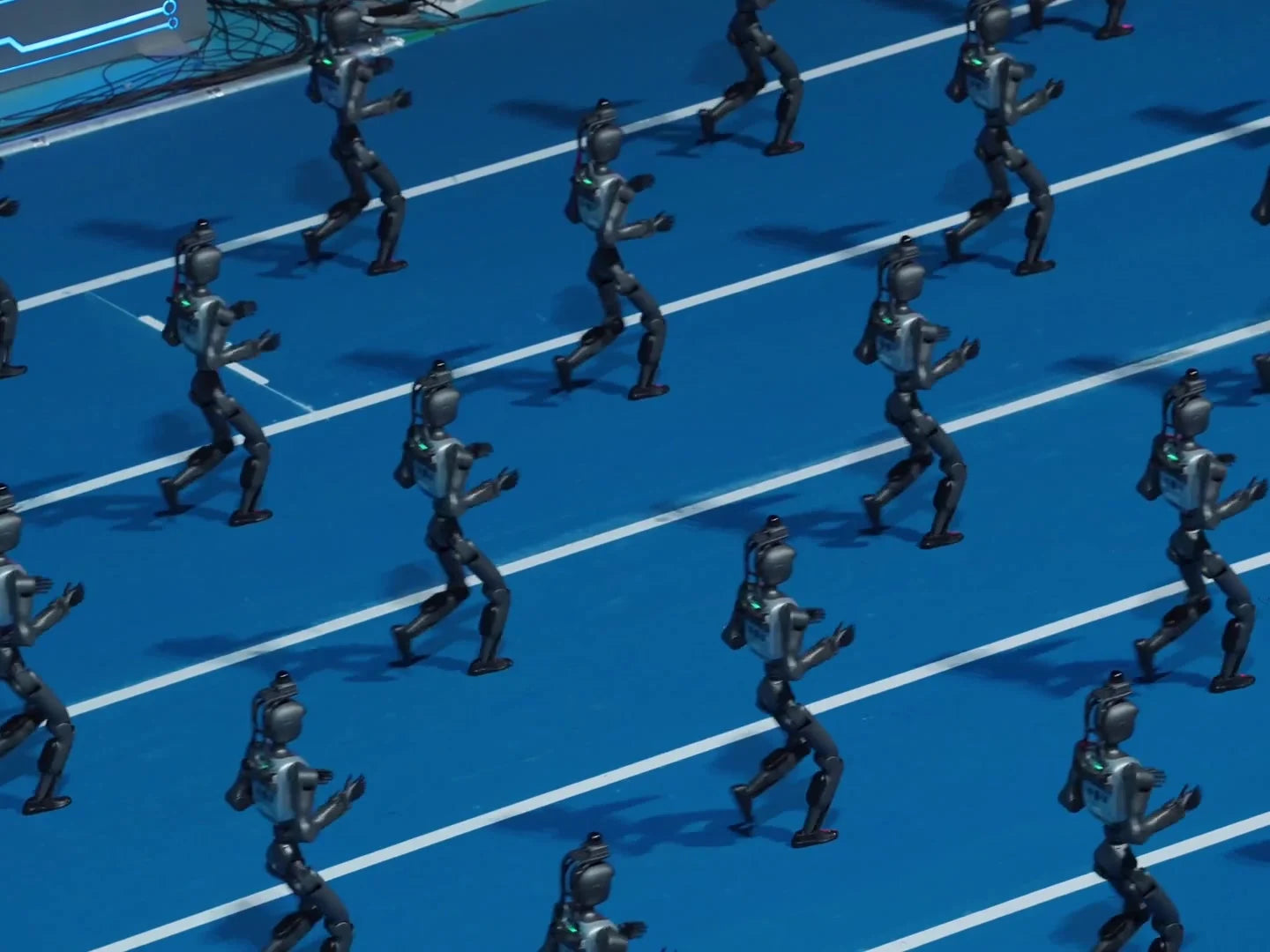
 UniUni software
Settings where event robots work well. These are inquiry categories to help you plan, not customer projects.
Greet families, then run a dance or a penalty challenge between talks.
Draw visitors to your stand with movement, gestures and conversation.
Half-time moments, penalty challenges and robot football demonstrations.
Seasonal events and photo moments, with staff managing the queue.
Robots on set for film, TV or online content, with rehearsed moves.
An event robot needs planning, not just delivery. Here is what is built in, what depends on setup, and what we prepare together.
Listed in the robot’s manual.
Model, firmware, network and batteries.
Programmed and rehearsed for your event.
Three different tools. Robots, conditions and scope are not interchangeable.
| Booster App group control | Booster Stage | Unitree UniUni | |
|---|---|---|---|
| What it does | Runs the same action on several robots | Visual design of formations and patterns | Routes, timeline, music and formations on a map |
| Robots | Up to 10, same model, edition and firmware | Confirmed per show | H2 listed on the introduction page |
| Network | One local network | Confirmed per show | Local network, with site mapping and localisation |
| Scope | Included in the app | Separate product scope | Free download; actions and services are separate |
Run times depend on the routine: plan charging between sets, as batteries are not swapped mid-show. Set-up and rehearsal time depend on venue and programme.
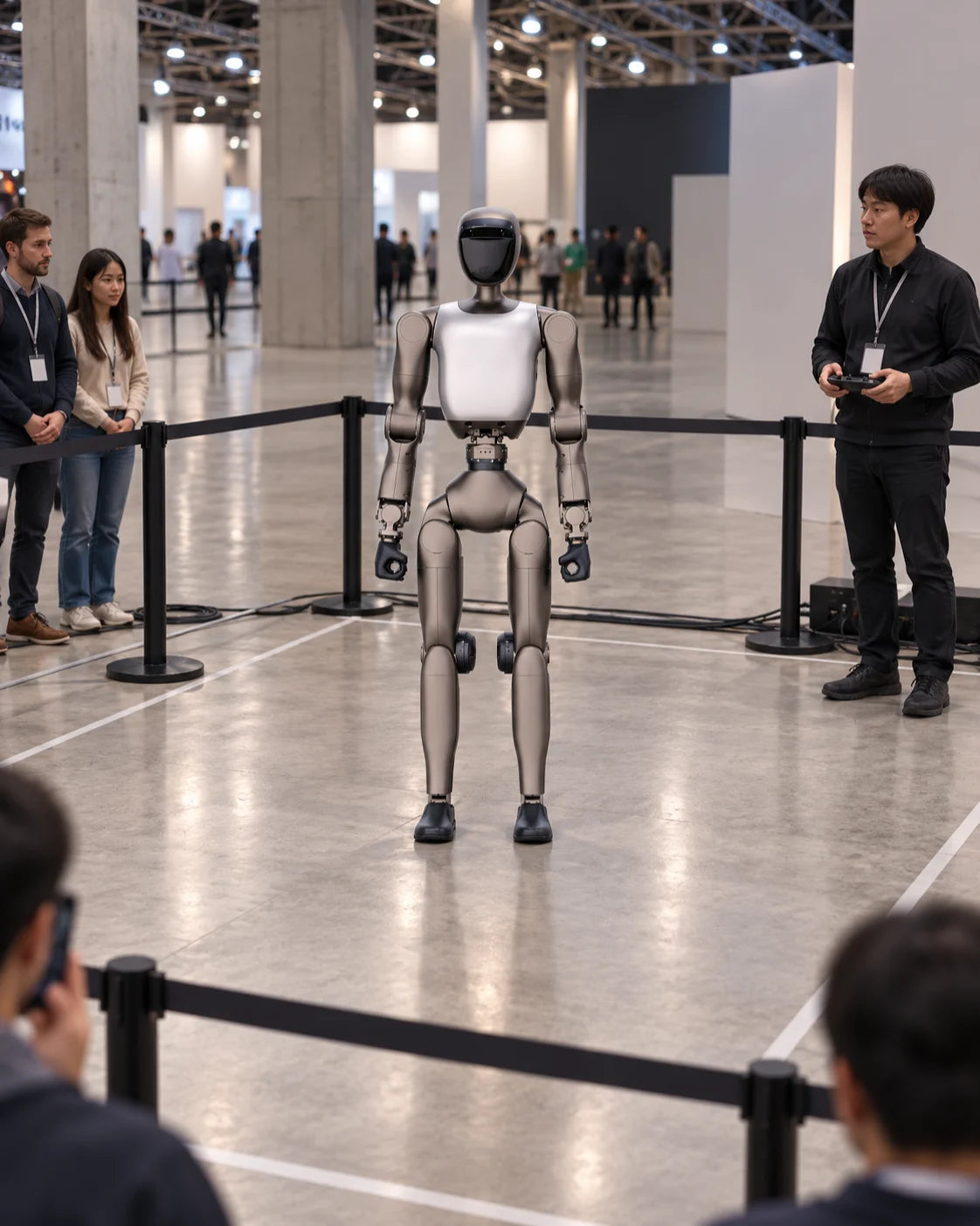
What your venue needs for a safe, smooth activity. We go through each point with you before the date.
With the Booster App, up to 10 of the same model, edition and firmware. Larger shows use dedicated choreography tools and need separate planning.
With a trained operator, a clear activity area and audience distance, yes. These robots aren’t for unsupervised contact or walking through dense crowds.
Not continuously. Plan short sets with charging breaks; run time depends on the model and routine. We help you build a schedule around it.
Public shows use specific programmes, robots and teams. We tell you what your event can include before you commit.

Share the date, venue and audience. We’ll suggest one robot or several, and what the day needs to run smoothly.