Primary
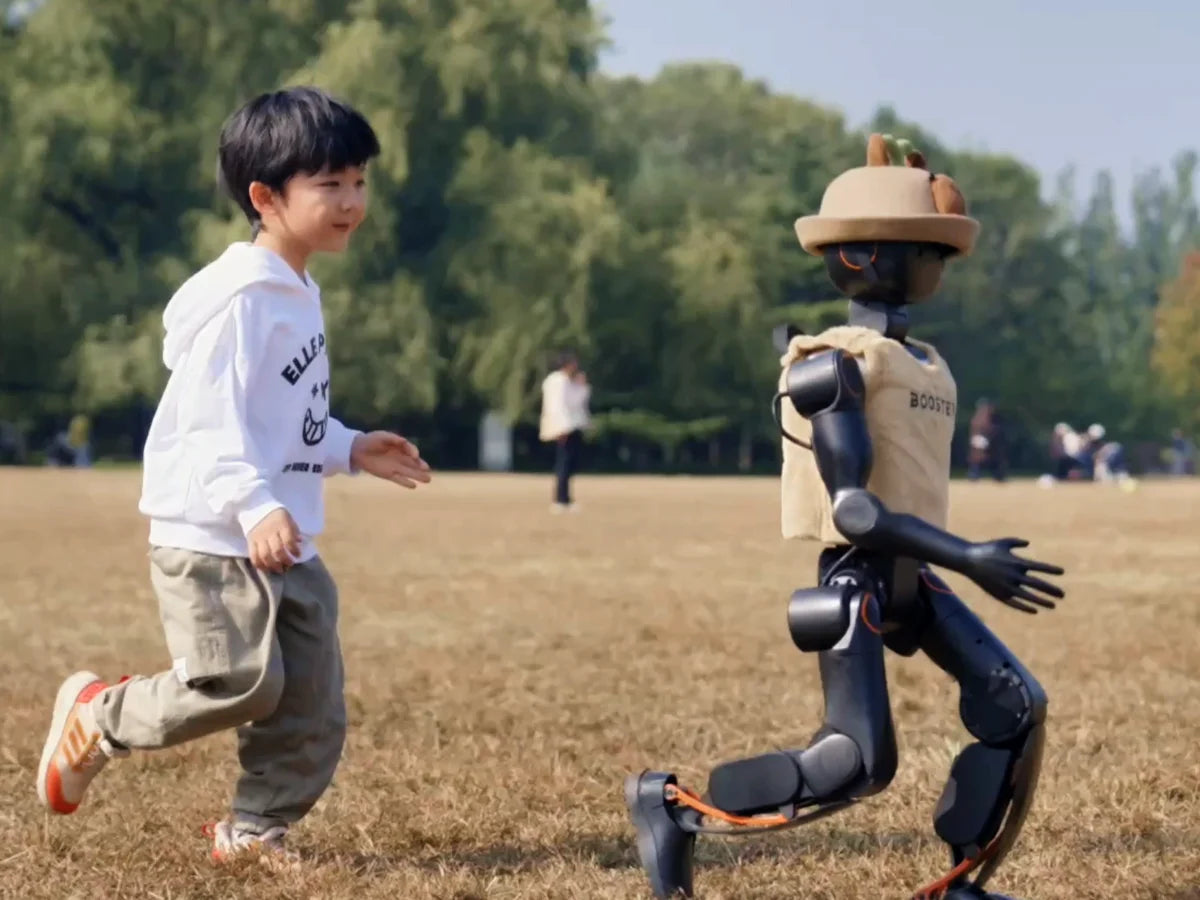
Discover how robots sense and move
Watch a robot see, walk and answer, then give it simple commands.
Typical fitK1


Education
Choose a robot that fits their stage and a clear path for what comes next. We handle sourcing, delivery and training, so you can focus on teaching.
Each stage asks something different of a robot. Here is what learners can focus on at each one, and which robots usually fit.
Discover how robots sense and move
Watch a robot see, walk and answer, then give it simple commands.
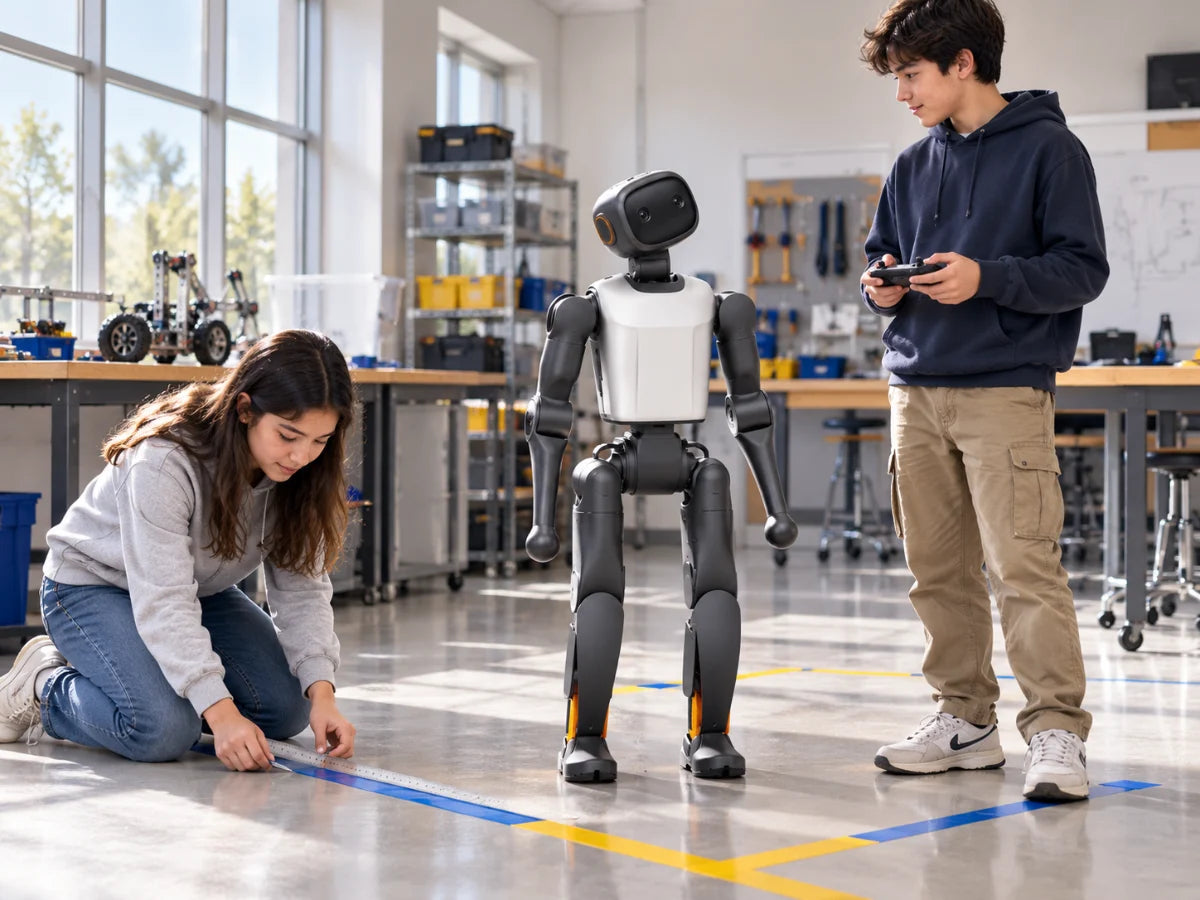
Robotics basics through small projects
Plan a short project around movement, conversation or football, and test it.

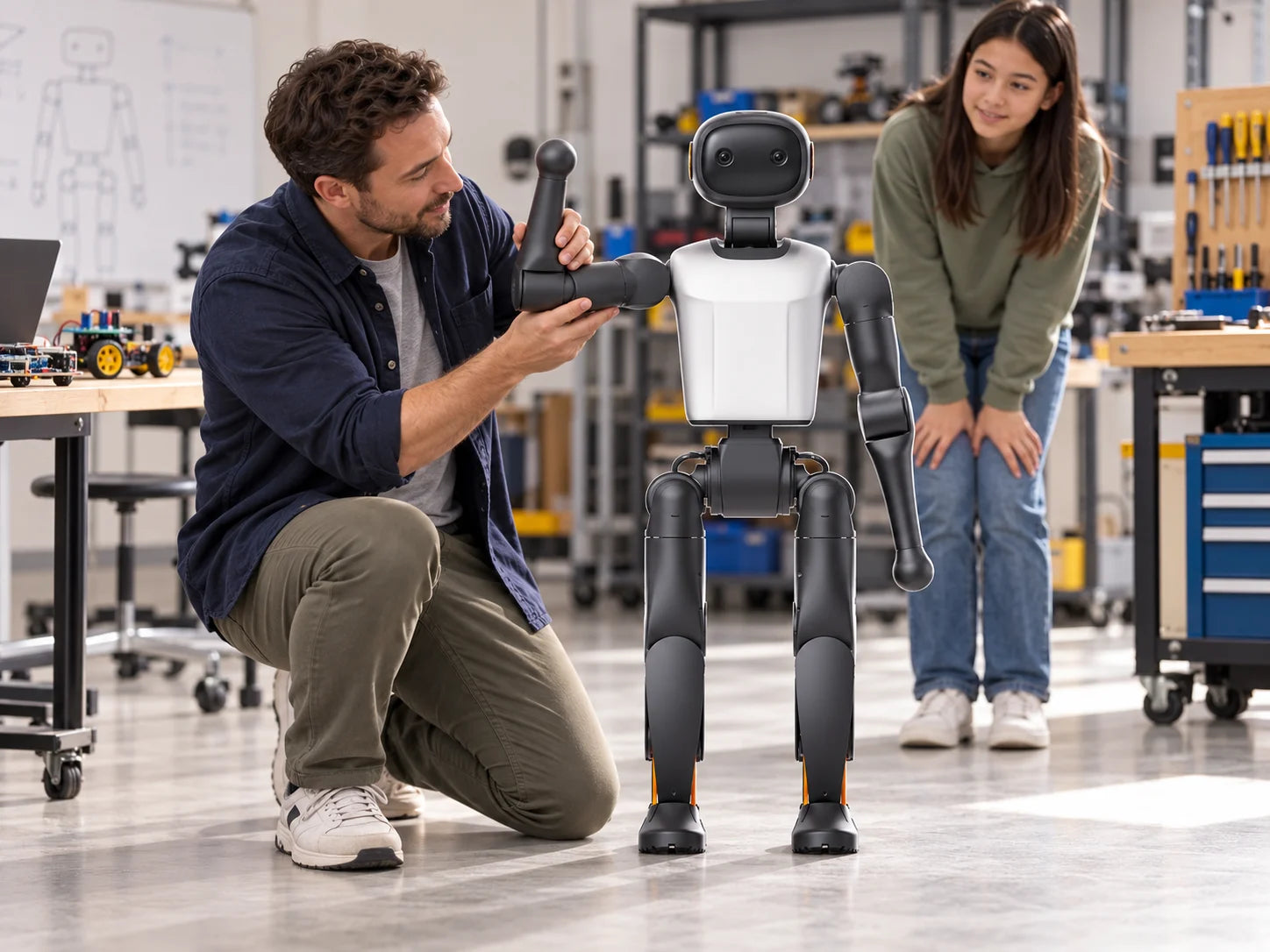
Set up, program and maintain robots
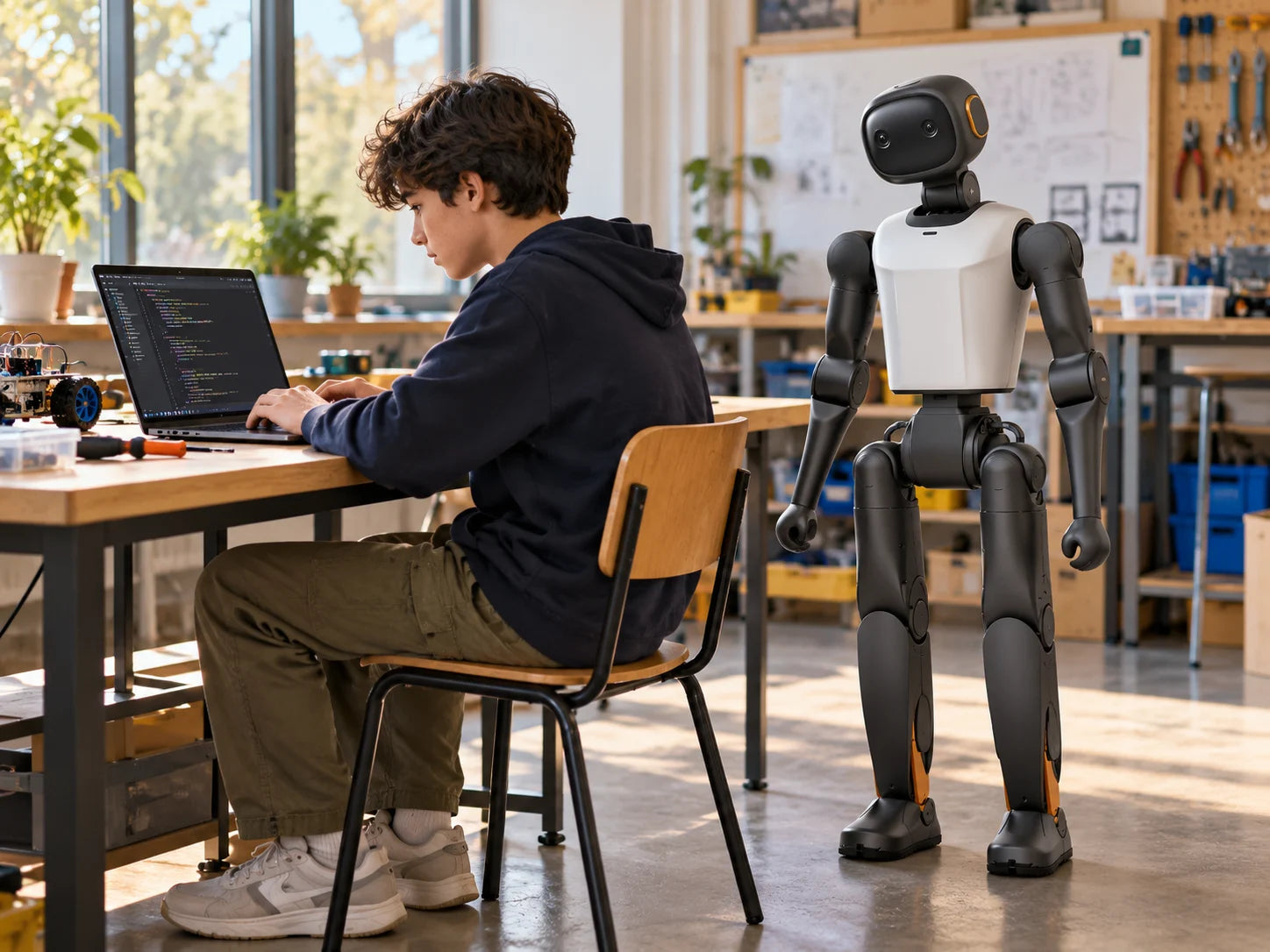
Connect the robot, read sensor data, run scripts and practise fault-finding.

Engineering, AI and robotics research
Perception, control, simulation and learning projects, from coursework to lab research.
Stage focus follows the manufacturer’s education programme. Robot fits are FARSEN guidance. Examples illustrate each stage; they are not a syllabus.
Learners move at their own pace. Each step uses a tool they can reach today, and each one prepares the next.
Run built-in skills from the app: walking, football, dance and conversation.
App and controllerGuide the robot by hand to record a motion, then play it back.
Motion teachingTest code on virtual robots first, up to six on a virtual pitch.
Virtual robotsRead cameras and sensors, then write programs in Python or C++.
Python · C++ SDKRun the program on the real robot, in a clear area with an adult supervising.
Real robotWe can arrange staged courses, teacher training and competition support. What is included, and in which language, is set out in your quote.
Five activities built on skills in the robot’s manual. Each one can open a longer project.
Track, chase and kick a ball with the built-in football skill, then ask what the robot sees.
Talk with the English Tutor character in real time. Needs an internet connection on your school network.
Move the robot’s arms by hand, record the motion and play it back. No code needed.
Nine built-in dances on K1. Up to 10 matching robots can dance together from one app.
Read a sensor, trigger a movement and test it on a virtual robot before the real one.
Some images are illustrations, not photographs; others are manufacturer demonstrations. Skills depend on model, edition and firmware; 7-DoF T1 has fewer.

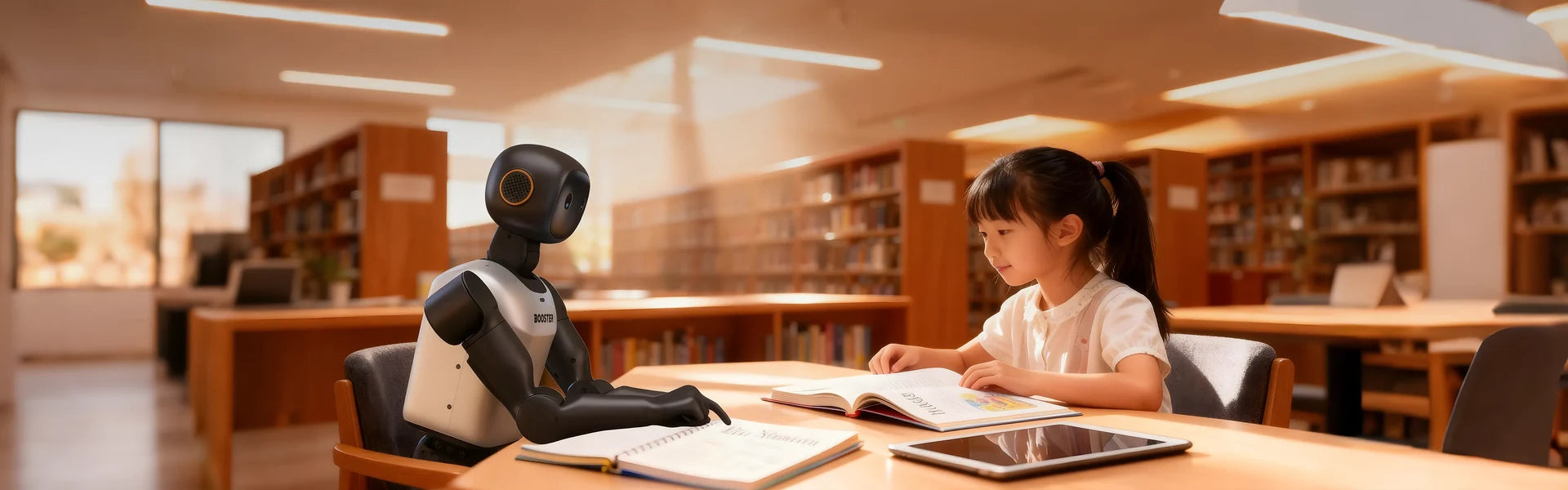

Robot football brings programming, teamwork and testing together, with a deadline students care about.
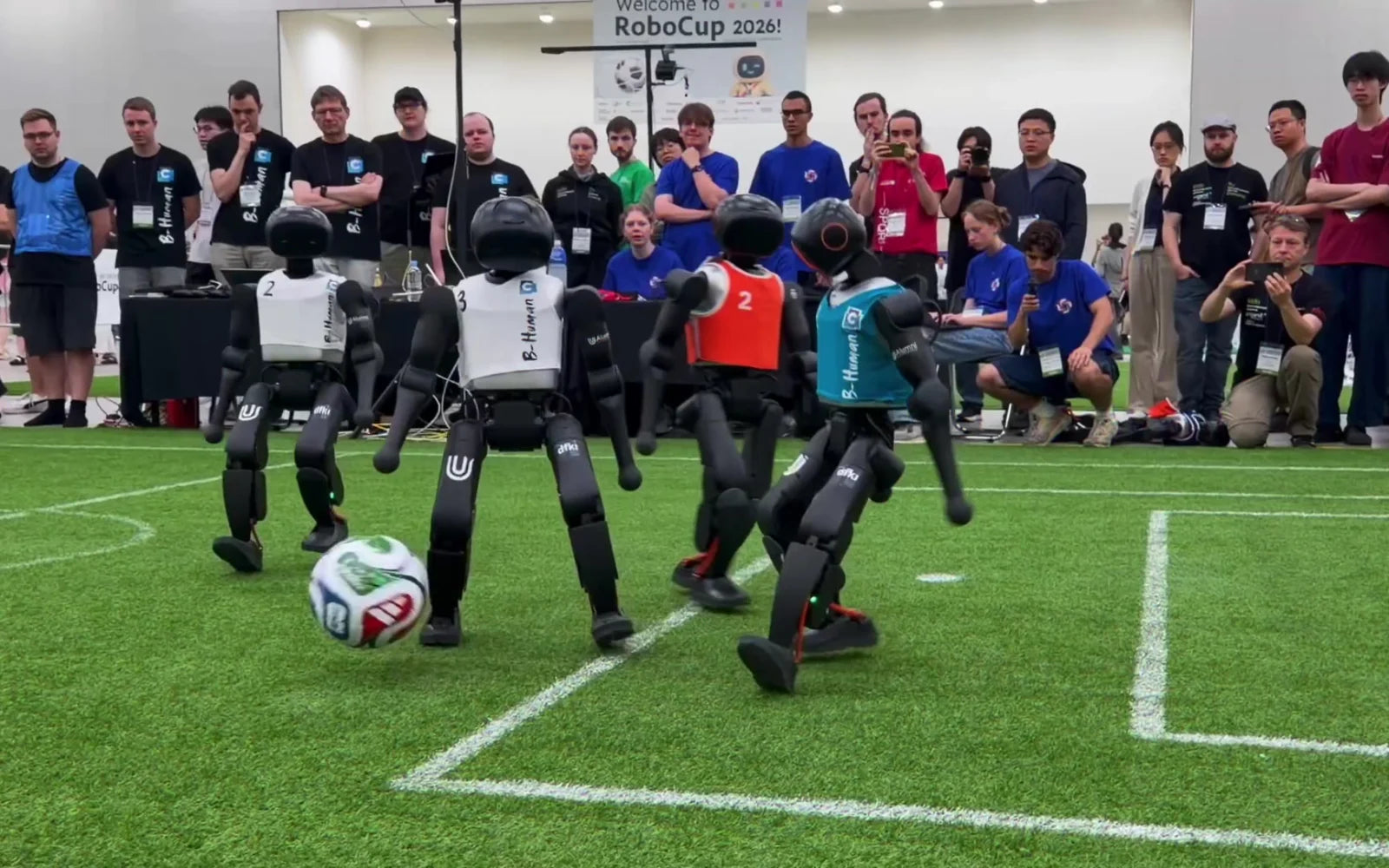
The RoboCup programme for these robots lists K1 for the Middle league and T2 for the Large league, with 16 lessons of training support. Built-in skills are a starting point; match play needs your team’s own software.
K1T2 Booster Studio
Teams can enter a virtual 3v3 robot football competition and refine algorithms and tactics in simulation before touching hardware. Dates and rules follow the current event page; we check entry details with you.
SimulationDemonstrations aren’t deliveries. Here is what works out of the box, what depends on your order, and what your class builds.
Listed in the robot’s manual.
Edition, accessories, network and firmware.
Built and tested with your team.
Same body, height and walking speed. They differ in computing, battery and storage.
| Geek | Education | Professional | |
|---|---|---|---|
| Processor | High-performance ARM | Jetson Orin NX 8GB | Jetson AGX Orin 32GB |
| AI computing | 48 TOPS (Dense) | 117 TOPS | 200 TOPS |
| Memory · storage | 8 GB · 128 GB | 8 GB · 512 GB | 32 GB · 512 GB |
| Battery · run time | 2 Ah · 20 min | 5 Ah · 1 h 10 min | 5 Ah · 1 h 10 min |
Run times measured walking at 1.1 m/s; plan charging between lessons. Before you order, we confirm each feature against your edition and firmware.
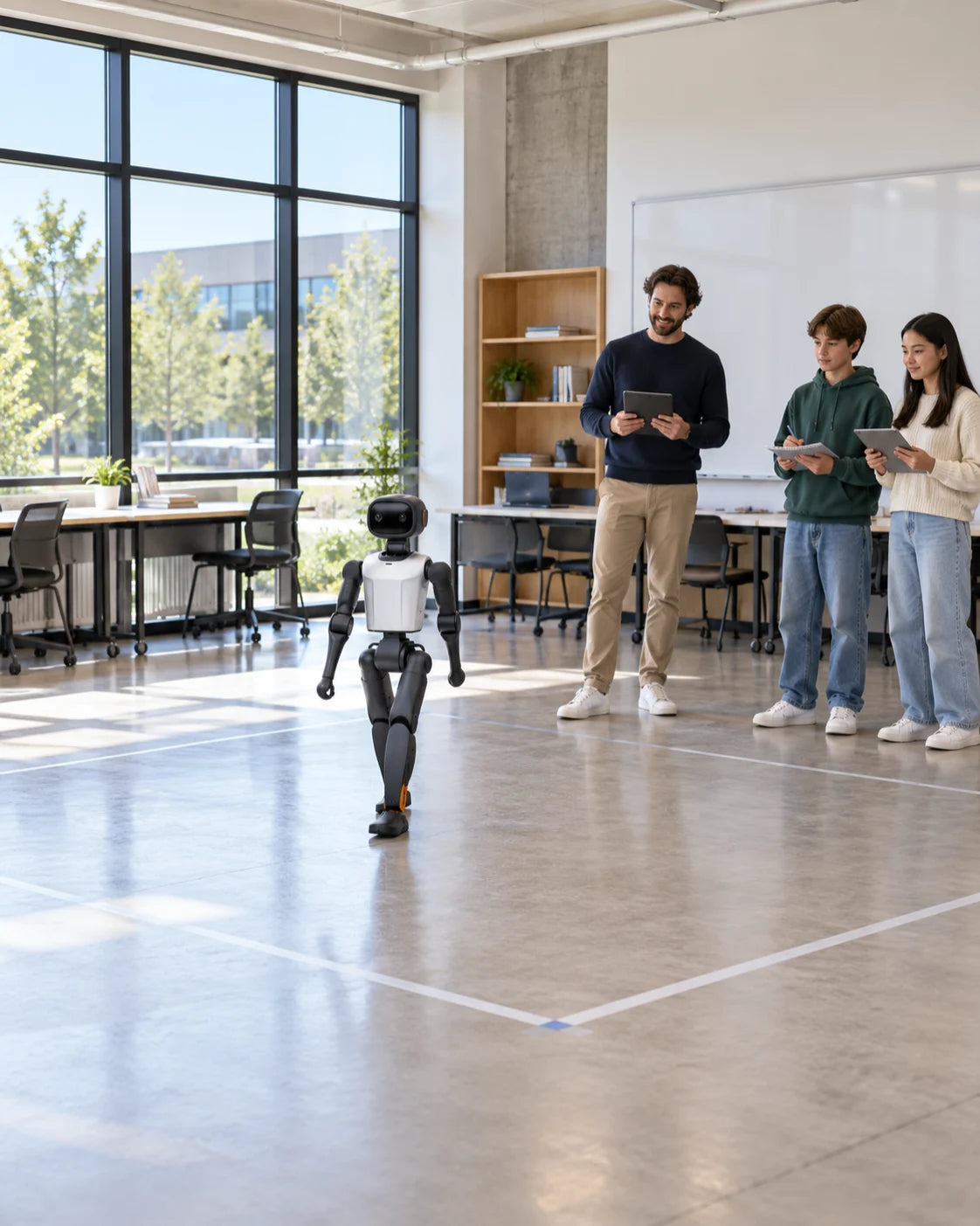
Plan these with your IT team and staff before the robot arrives. We send a checklist with your order.
Not for the first lessons: built-in skills run from the app or controller. Programming comes later, and we can arrange teacher training before it does.
K1 is the compact entry platform: 0.95 m tall, approx. 19.5 kg, with a carry handle. T1 and T2 suit university and development projects.
Movement, football, dance and motion teaching work over local Wi-Fi or the robot’s hotspot. Real-time chat needs internet access, so we check your network first.
Chat uses an online voice service. Before you order, we set out where voice data goes and which features you can switch off, so your school can decide.

Share their stage, group size and what you’d like them to learn. We reply with a suggested robot, edition and first steps.