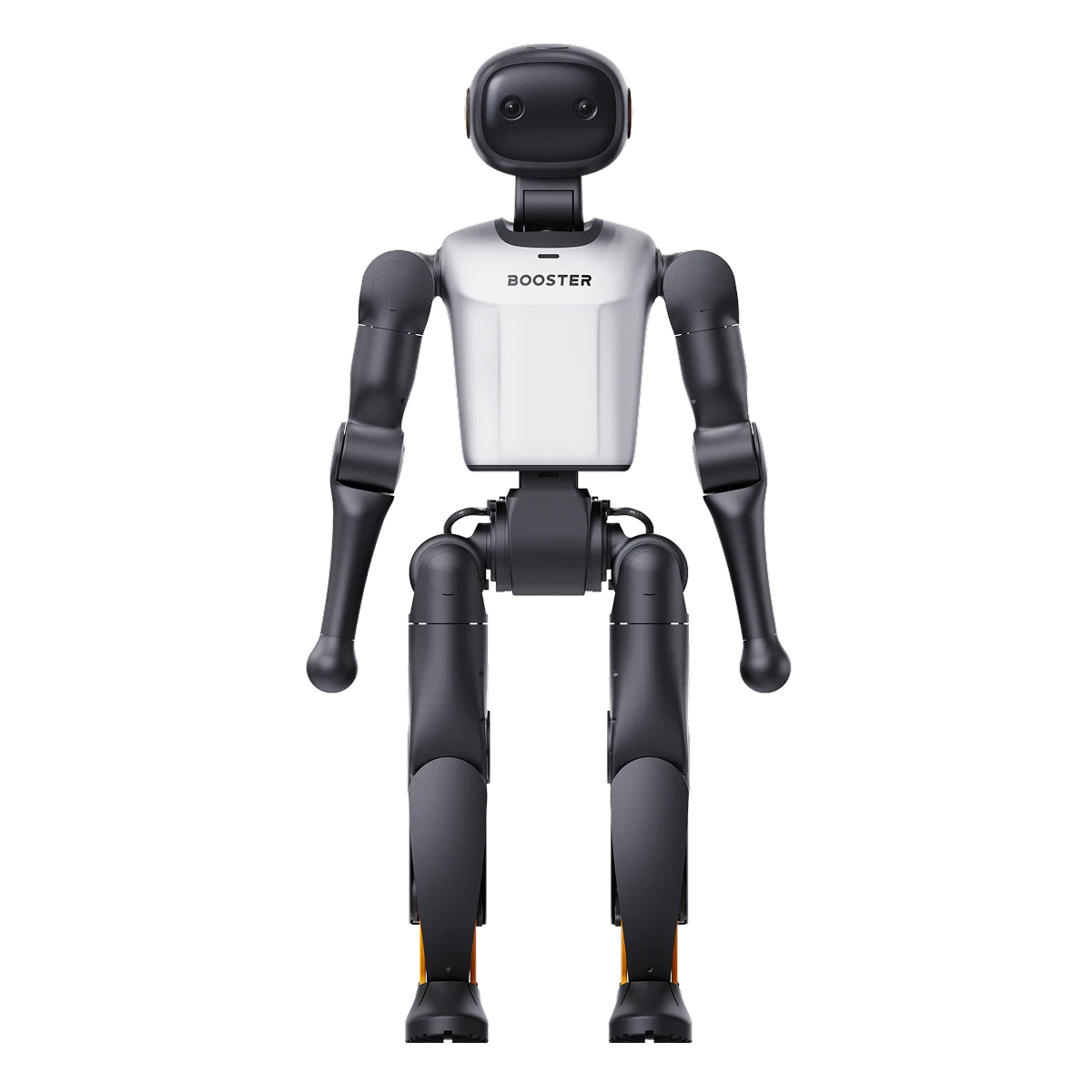
Booster K1
Compact and approachable, with the widest set of built-in skills.
- Height
- 0.95 m
- Real-time chat
- Yes, internet required
- Voice-commanded movement
- Listed in the manual
- Head
- 2 DoF


Public spaces
Greetings and conversation work today, with staff nearby. Guided tours and service tasks are projects we scope with you and test on your floor first.
These features are in the robots’ manuals today. Each needs the right model, network and firmware.
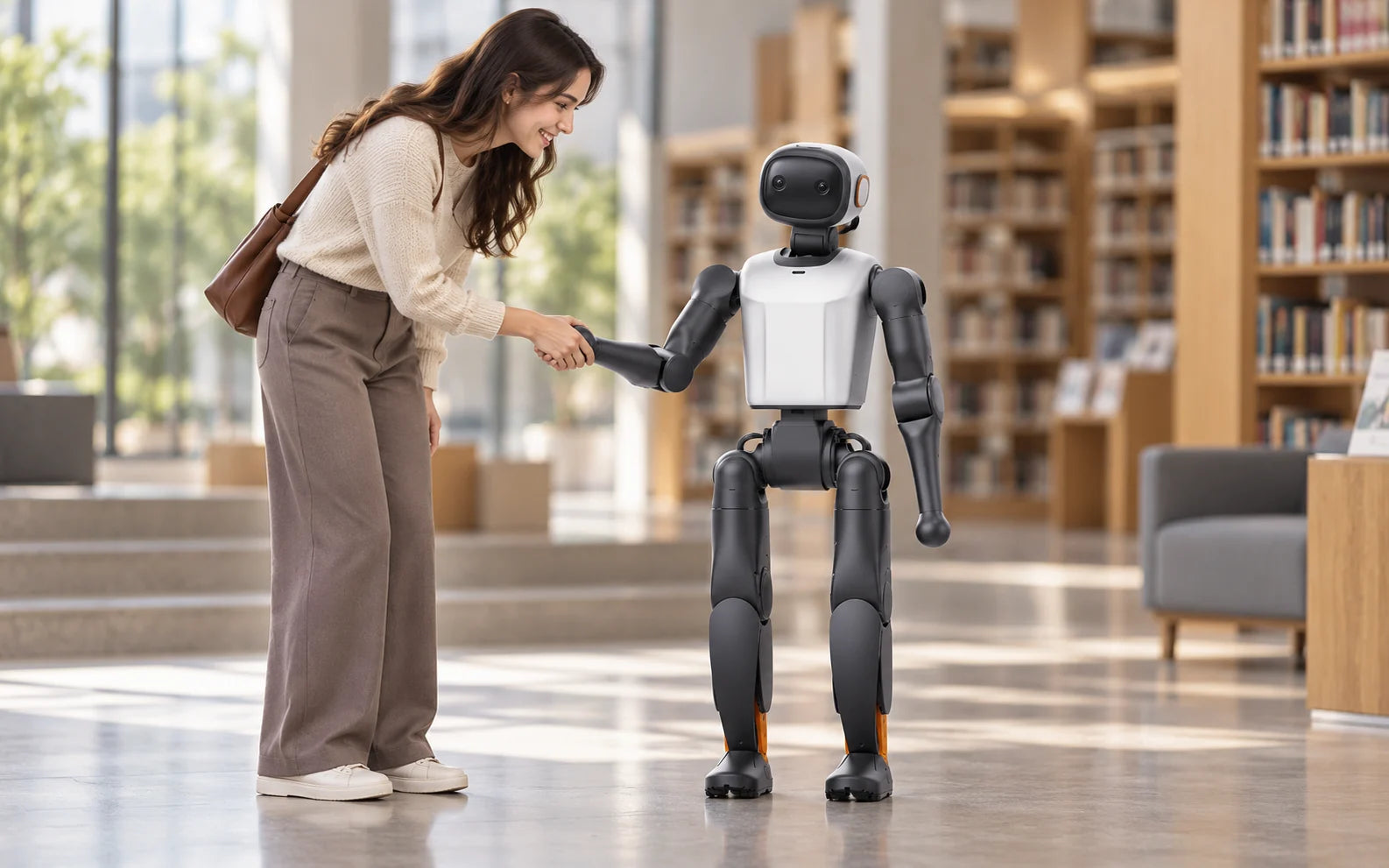
K1 and T1 respond to spoken commands to turn, step, wave, shake hands, nod and shake their head. T2 can chat, but its current manual doesn’t support voice-controlled movement.
K1T1
The robot holds real-time voice conversations and turns towards the nearest face. It needs internet access; K1 lists Chinese and English. Test it on your network, with your visitors’ accents, before opening day.
K1T1T2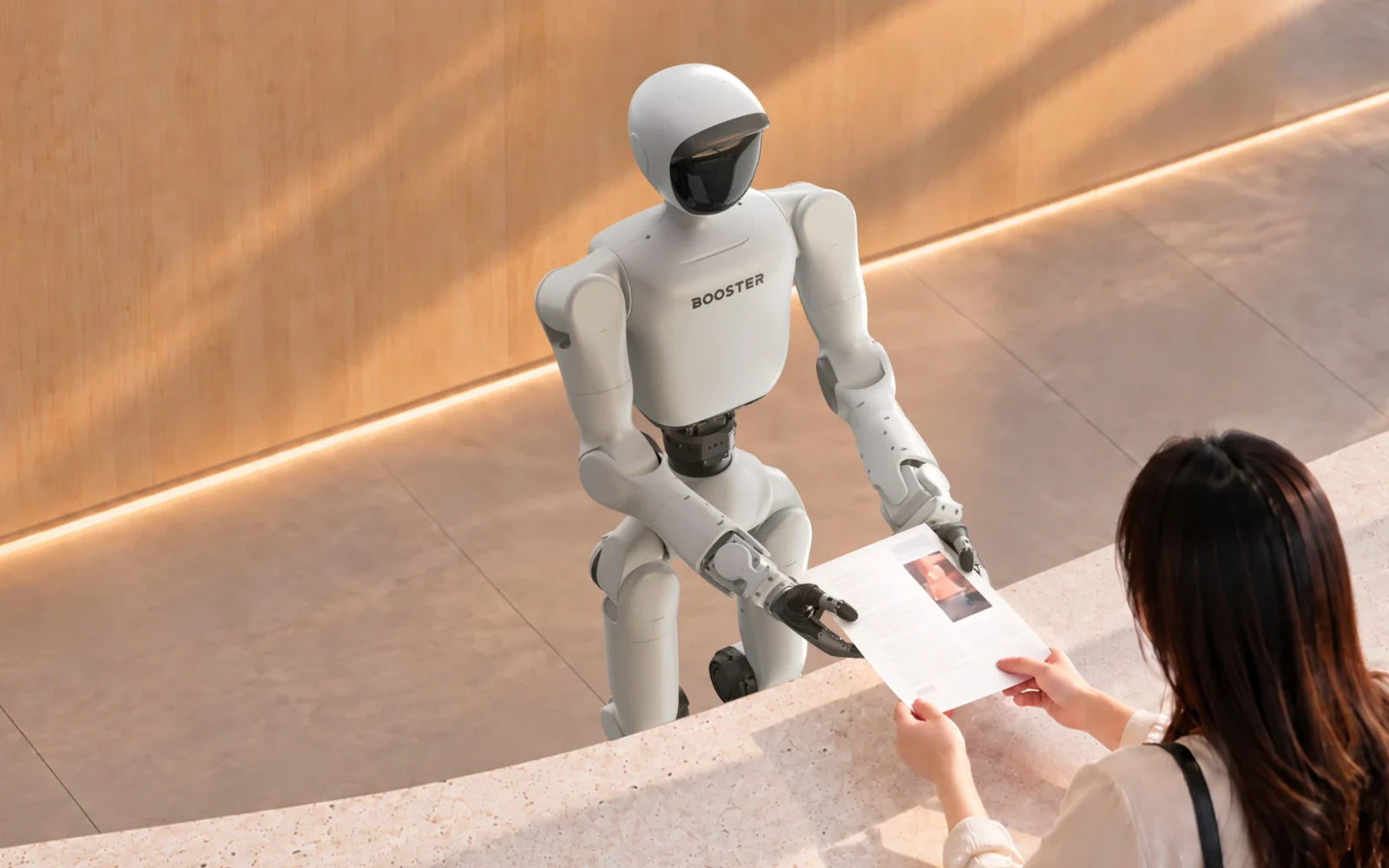
With firmware v1.7 or later, HICHAT HUB sets a character’s avatar, name, prompt and voice. Custom prompts can affect voice commands, so retest them after each change.
K1T1T2Manufacturers show these directions without published navigation or task results. A project starts small and grows after testing.
Scripts, exhibit information and answers, written for your venue and languages.
A mapped route and reliable positioning. Start with a few fixed points, at low speed.
Cameras and sensors, plus software that copes with people, obstacles, glass and changing light.
T2 grippers or dexterous hands provide the hardware. What to hand over, and how, needs software and testing.
Trials on your floor with a member of staff beside the robot, before visitors meet it.
Some images are illustrations, not photographs. If long sessions matter more than walking, a wheeled robot may suit better; we’ll say so.
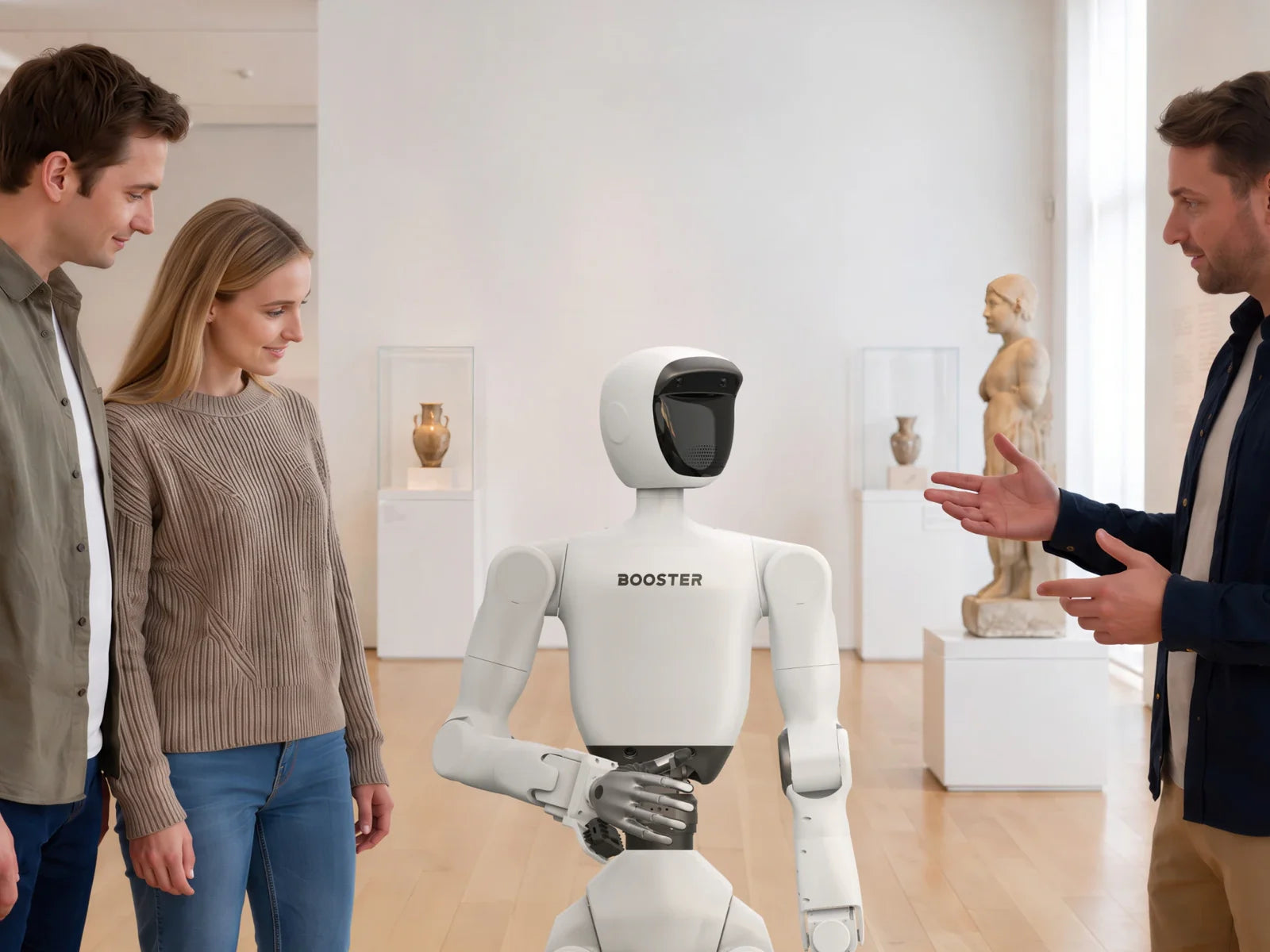
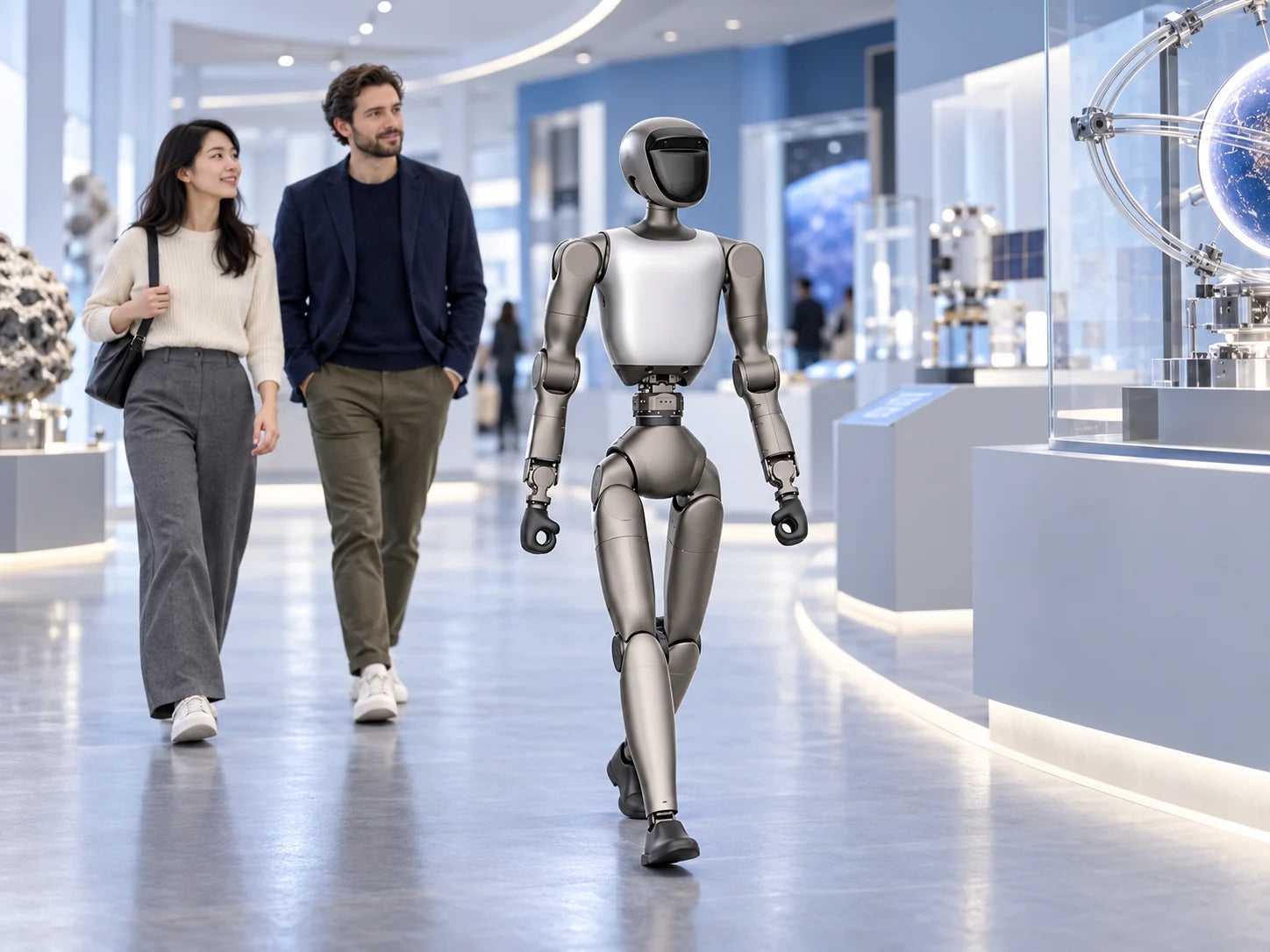
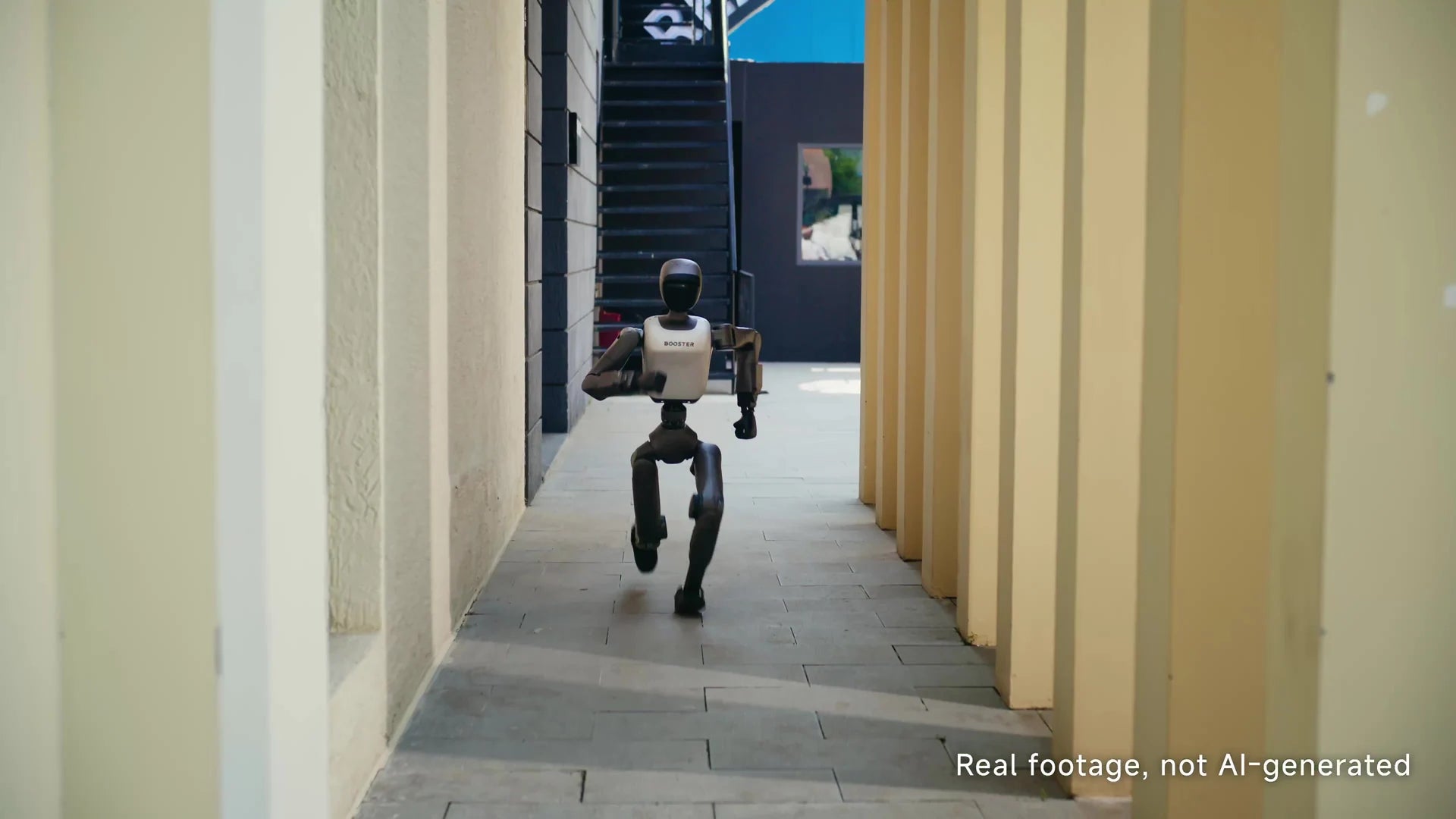
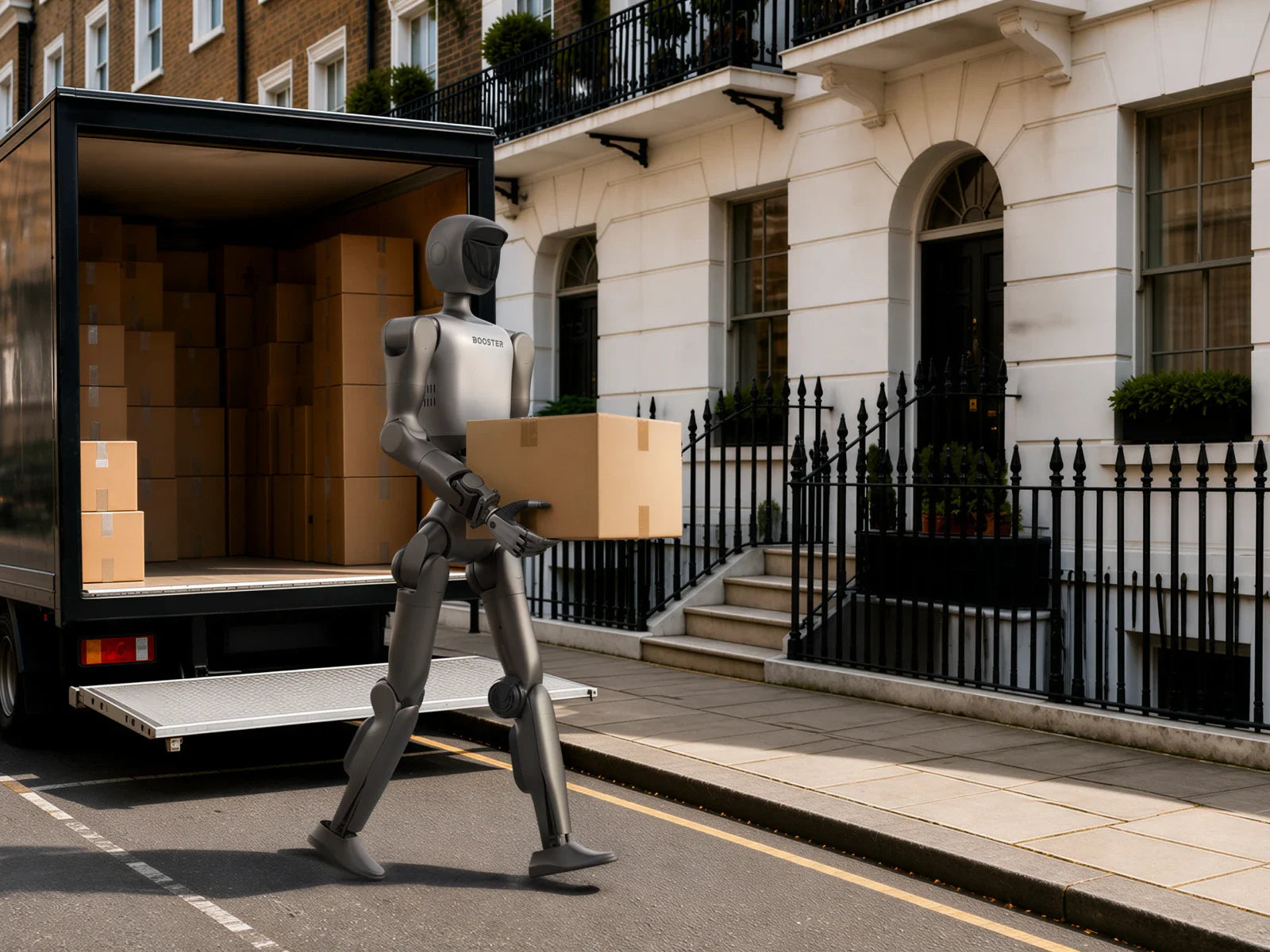
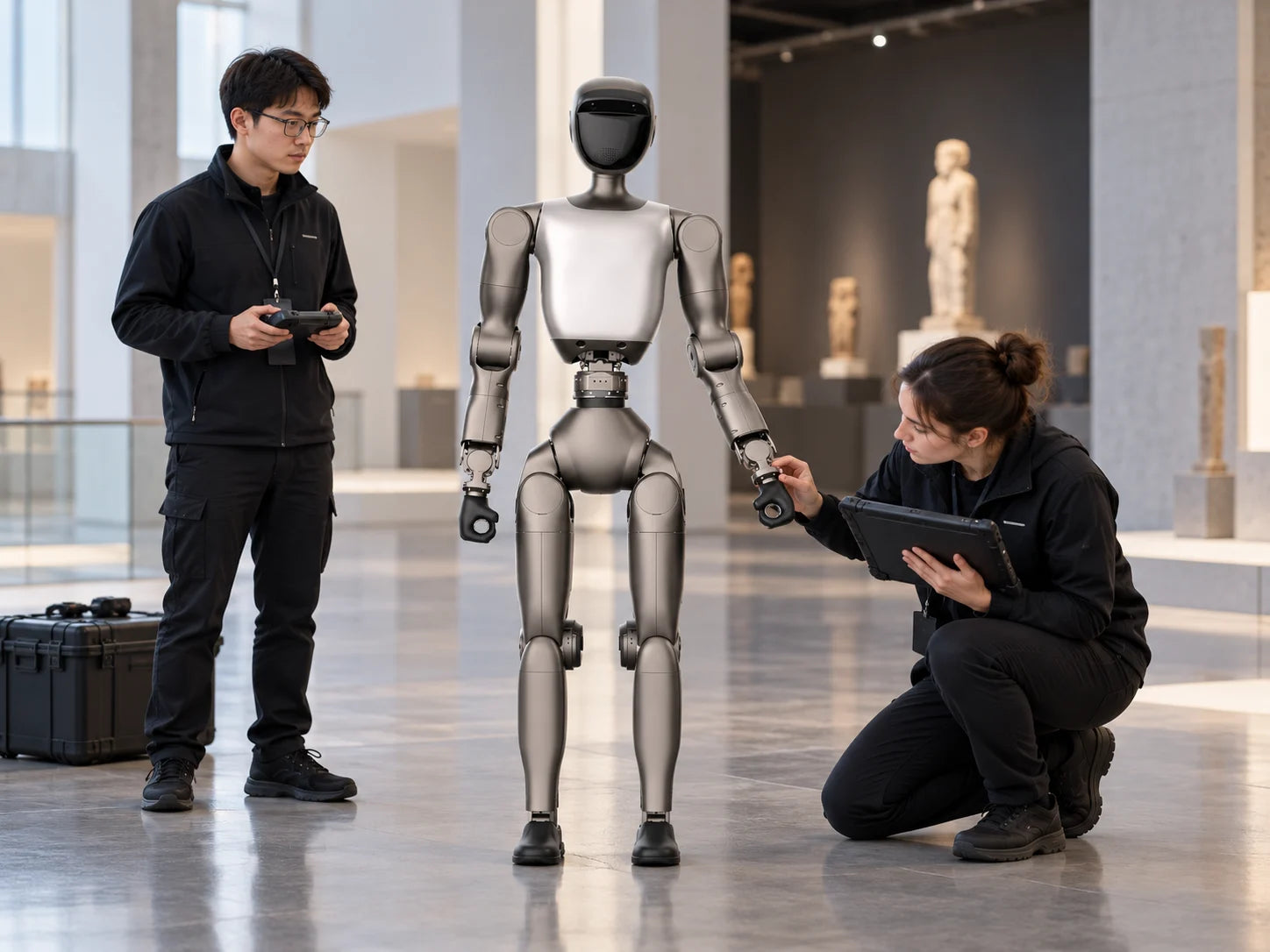
Interaction features differ by model. Here is how four robots compare for welcoming visitors today.
Compact and approachable, with the widest set of built-in skills.
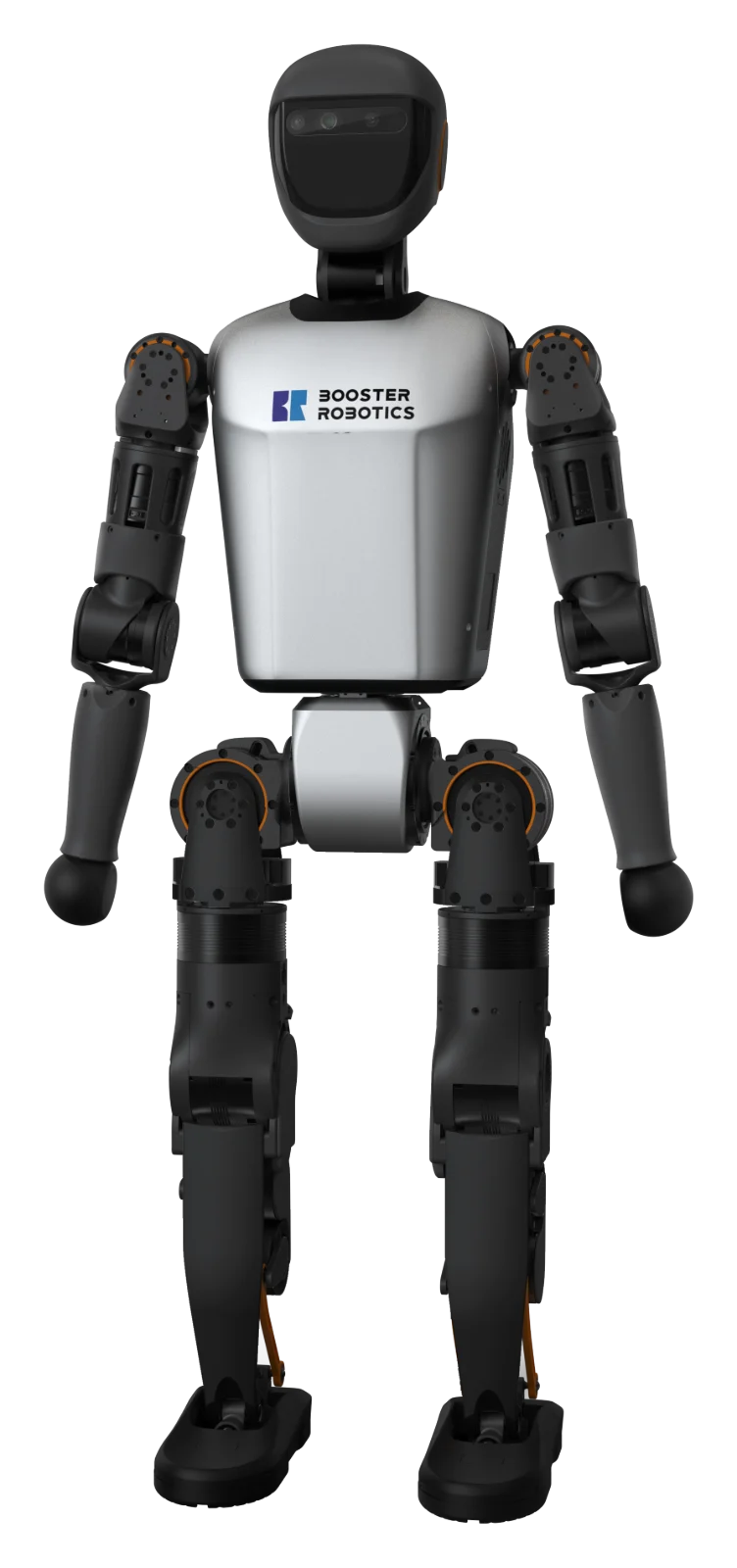
Taller developer platform; the manual also lists active greeting.
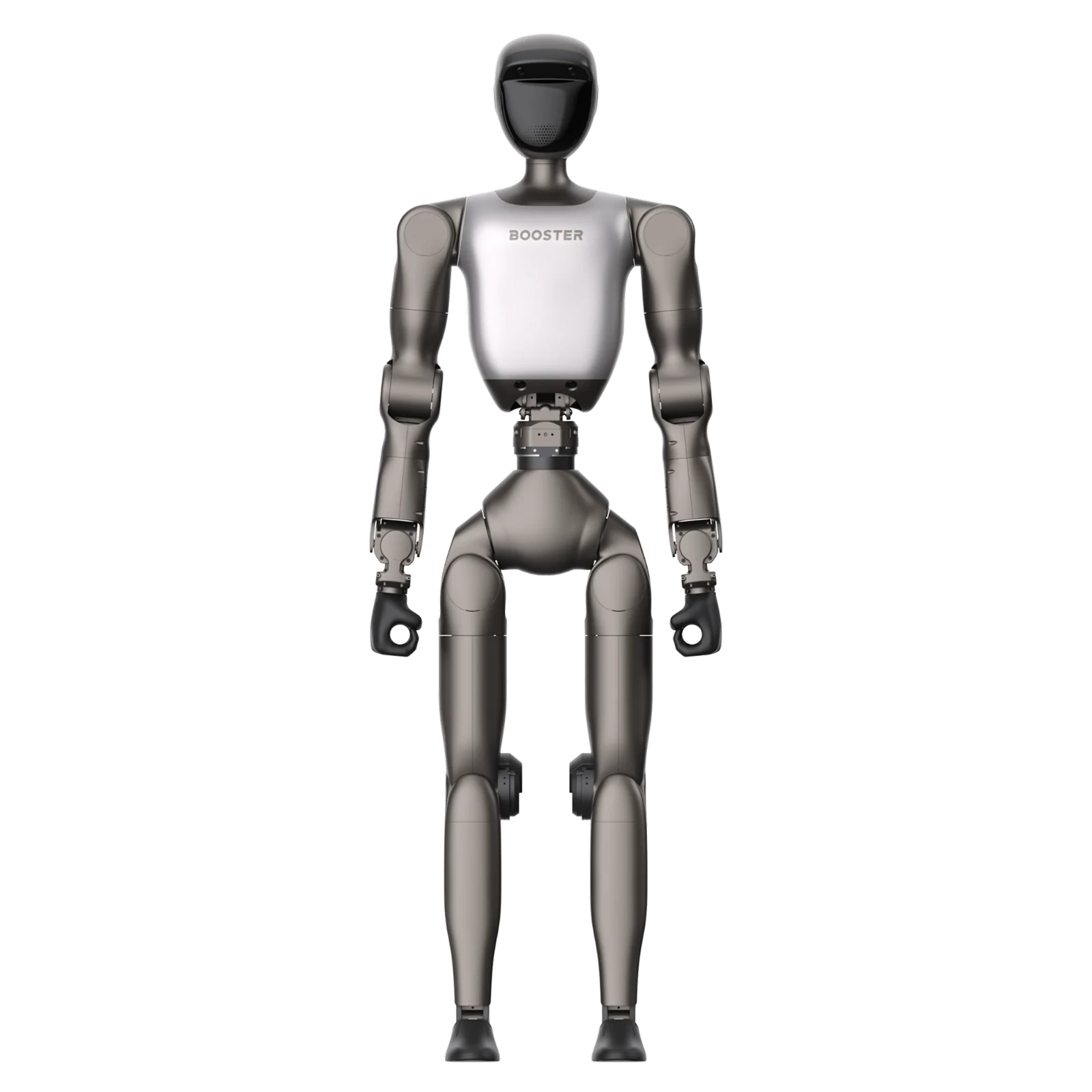
Largest Booster robot; chats, but no voice-controlled movement yet.
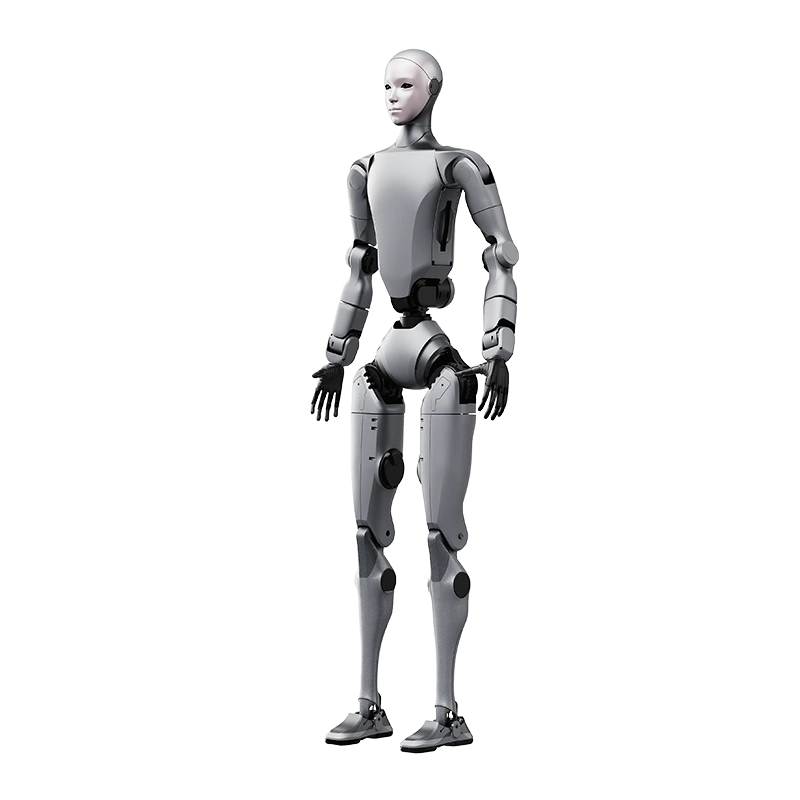
Full-size humanoid with a bionic head; voice software built per project.
K1, T1 and T2 follow Booster’s current manuals; H2 follows Unitree’s product page. Features depend on edition and firmware.
A robot at your door is still a staffed activity. Here is what works today, what depends on setup, and what needs a project.
Listed in the robot’s manual.
Firmware, network, language and character.
Scoped, built and tested on your site.
Plan these before the robot meets visitors.
| What to plan | |
|---|---|
| Network | Internet access for conversation; a stable local network for control |
| Space | A flat, clear area; at least 2 m × 2 m to start up K1 or T2 |
| Supervision | Trained staff on site at all times; minors supervised |
| Audience | A clear distance from moving limbs |
| Stopping | Staff who know the soft and hard emergency stops on your model |
| Privacy | Visitor notices and a data plan if the robot listens or records |
The robot needs staff on site at all times; it isn’t an unattended receptionist. We confirm features against your edition and firmware before you order.

Share the space, your visitors and what the robot should do. We’ll separate what works today from what needs a project, and price each part.